
- Home
- Technical Products
Enterprise Cloud IT Solutions
Industrial Measurement
- Solutions
Enterprise Cloud IT Solutions
Test Measurement
- Latest Articles
- About Us
 EN
EN
ENto enhance the safety standards of machine connections.
Make it easier and safer for machine builders to connect with machines and end-users.
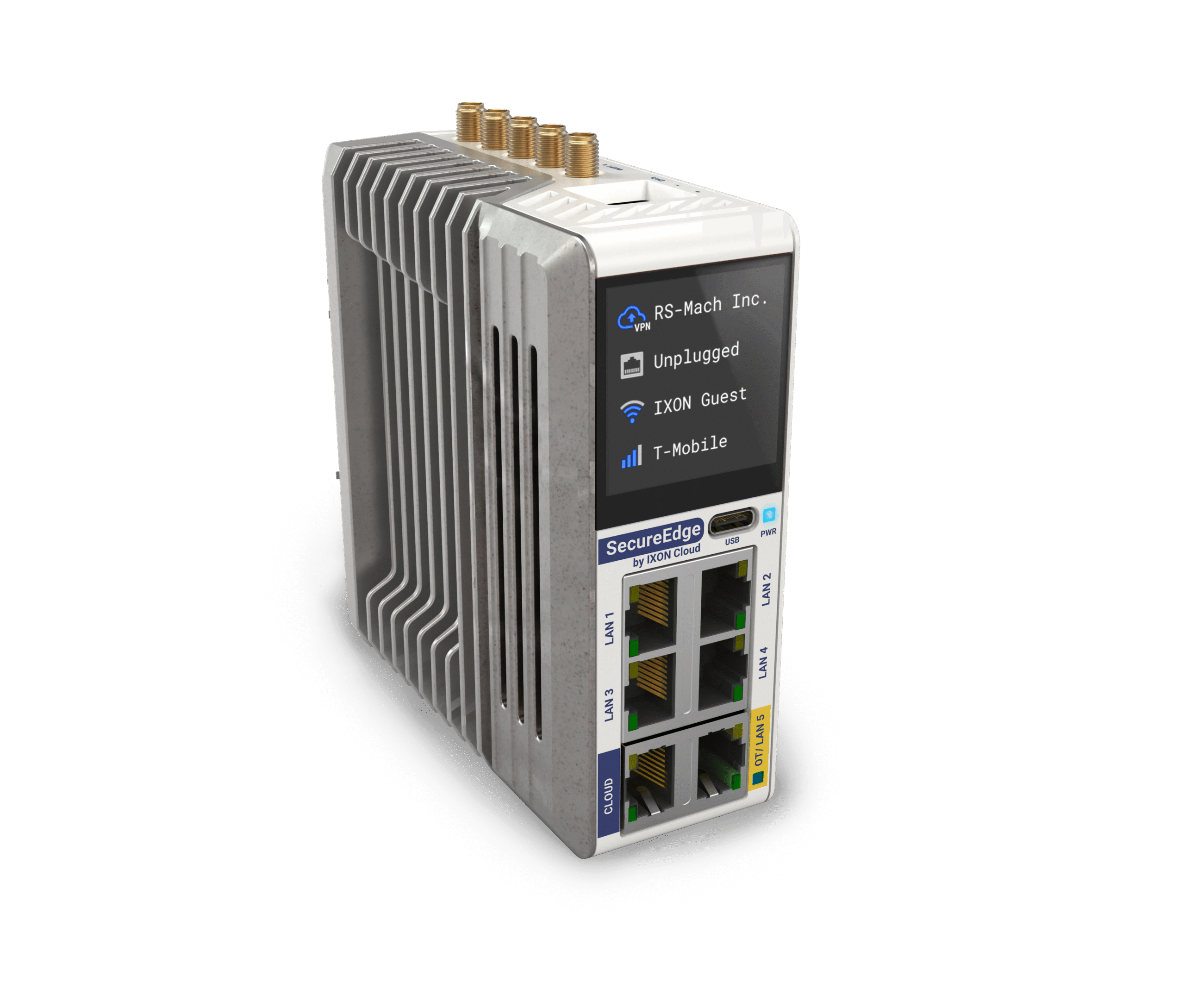

Add intelligence locally to devices and deploy Docker apps to edge devices; build your own Docker apps or install pre-built Docker apps directly from the app marketplace.

Integrated firewall to protect your devices from network attacks, additional OT ports to isolate factory networks from the Internet, and IEC-62443 compliance.

Complete IXON Cloud registration in less than 1 minute with a full-color touchscreen for quick access to frequently used settings and troubleshooting, and a compact industrial design.
| Model | Introduction | AetherNet | 4G/LTE | Wi-Fi | GNSS |
|---|---|---|---|---|---|
| IX6000 | SecureEdge Pro - Ethernet | ✔️ | |||
| IX6005 | SecureEdge Pro - 4G/LTE | ✔️ | ✔️ | ✔️ | |
| IX6010 | SecureEdge Pro - Wi-Fi | ✔️ | ✔️ | ||
| IX6015 | SecureEdge Pro - 4G/LTE & Wi-Fi | ✔️ | ✔️ | ✔️ | ✔️ |
IX2212
IX2201
IX2202
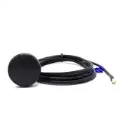
IX2203
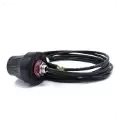
IX2205
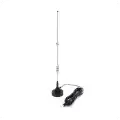
IX2206
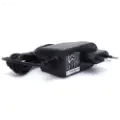
IX2208
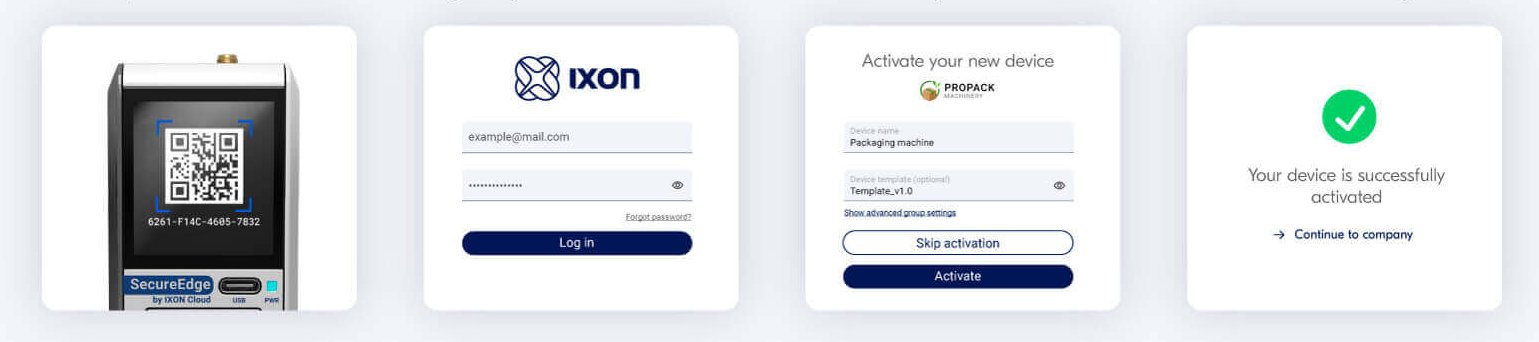
It takes only 1 minute to register your device.
Step 1: Scan the QR code on the touch screen
Step 2: Login to your IXON Cloud account
Step 3: Activate your new device
Step 4: Your device has been successfully activated
As a provider specializing in machine vision and optoelectronic inspection solutions, Avision is also committed to providing you with a range of paid technical services related to this product, aiming to help you succeed in your project in the most cost-effective way. Please contact us if you need technical services related to this product!