Search

Hongke PCAN-Explorer 7 -- Seeing is believing in CAN!

Professional CAN/CAN FD/CAN XL Bus Analysis Software

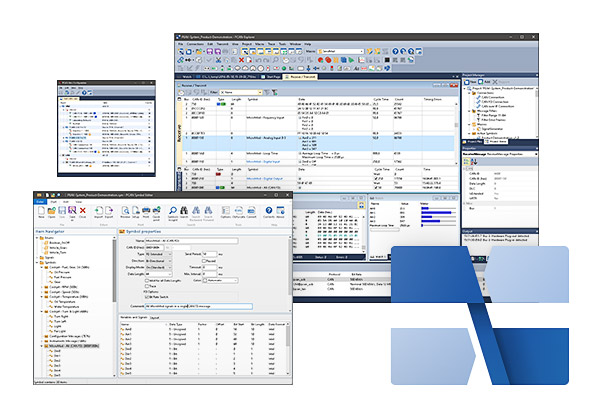
PCAN-Explorer 7, the new generation of PCAN-Explorer software, will be released soon!
The new version will bring a series of innovative features to streamline the workflow related to the CAN bus, making your daily operations more efficient, intuitive and convenient.

PCAN-Explorer 7 is not only fully compatible with the latest CAN bus standards - CAN XL and J1939 FD - but also supports Python scripting for a wide range of tasks, making it easy for you to explore the future possibilities of CAN bus technology.

Technical Features and Highlights

Supports standard CAN XL protocol

CAN XL is the next generation of CAN bus technology. It utilizes the same two-core signaling cable as traditional high-speed CAN nodes and is backward compatible with CAN FD and CAN CC (classic CAN) devices. The technology supports data transfer rates of up to 20 Mbit/s, and the payload of a single-frame telegram has been significantly increased to 2048 bytes. In addition, CAN XL predefined structural elements can send data type-specific signals to other XL nodes and support tunneling, virtual networks, and protocol extensions such as security enhancements. PCAN-Explorer 7 parses the new structure of CAN XL message frames and displays the corresponding data block contents.

Multiple message parsing files can be loaded

In PCAN-Explorer 6 and earlier, only one message parsing file (.sym) (PEAK's proprietary CAN database format) can be loaded per channel. When a new device needs to be added to the CAN network, it can only manually merge its corresponding message definition into the existing .sym file. In PCAN-Explorer 7, you can load multiple message parsing files (.sym) directly for the same connection, which greatly increases the flexibility of configuring CAN message definitions. This feature also supports third-party database files and can be realized via the CANdb Import Plug-in and the AUTOSAR XML Import Plug-in, which are available as function packages.

Support for Python Scripts

In addition to VBScript, PCAN-Explorer 7 now integrates the industry's popular Python scripting language. With Python's clear structure and powerful standard library, users can access PCAN-Explorer 7's complete object model and create a variety of small automated tasks for everyday CAN work environments.

Authorized Management Upgrade

PCAN-Explorer 7 utilizes the familiar CodeMeter licensing tool. This solution offers more flexible licensing options, including a new Floating License for enterprise environments. The software also supports the deployment of self-hosted license servers. In addition, PCAN-Explorer 7 supports single user licenses and hardware dongles.

Fine-graded tracking and playback

When returning a CAN trace file to the bus for testing, PCAN-Explorer 7 not only plays back the complete data stream at once, but also analyzes the CAN messages segment by segment through breakpoints. It also supports step-by-step playback of trace files. The software directly parses the trace files generated by the PEAK tool in text format and supports importing into a variety of other file formats such as MDF4, BLF, and more.

Support for the J1939 FD Agreement

The SAE J1939 standard has been extended to the J1939 FD version/protocol, which defines the application specifications for CAN FD frames. While retaining the classic J1939 Parameter Group (PG), the new version further optimizes the transport layer to take full advantage of the higher communication rates and larger payloads of CAN FD, especially for multi-packet message transmission scenarios. With PCAN-Explorer 7 and its J1939 plug-in, users can perform in-depth analysis of J1939 FD communication data.

Highlight data changes

Do you want to determine whether a CAN message has changed from the last one you received? In PCAN-Explorer 7, data byte changes in the CAN message reception list and signal monitoring window are visually displayed with highlighting effects to help you easily capture data changes.

Full performance enhancement

PCAN-Explorer 7 is built on a 64-bit architecture, with communication tasks and the user interface engine operating independently of each other, which significantly enhances the smoothness of daily operations and the overall user experience.

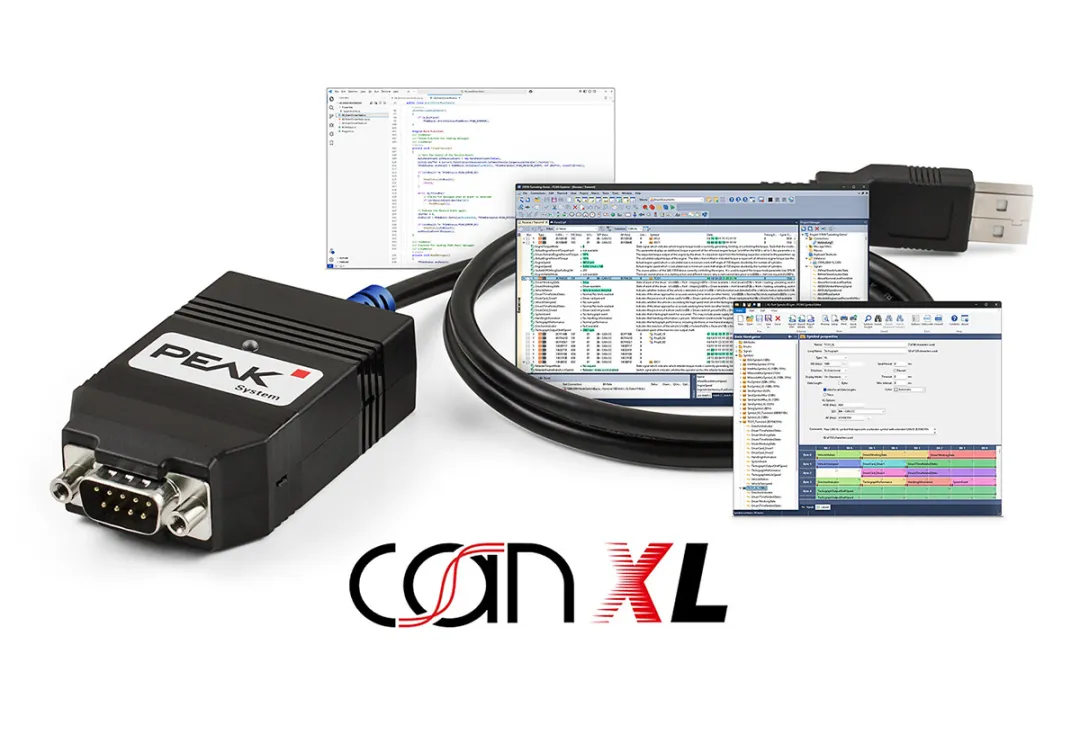
Symphony PCAN XL Starter Kit

A must-have solution to be the first to experience the new standard

The Avision PCAN-XL kit integrates hardware and software supporting the latest CAN XL standard, making it ideal for a quick introduction to CAN XL communications. With mature tools, complete functionality, and a convenient operating experience, the kit provides a complete and efficient solution for development and testing.
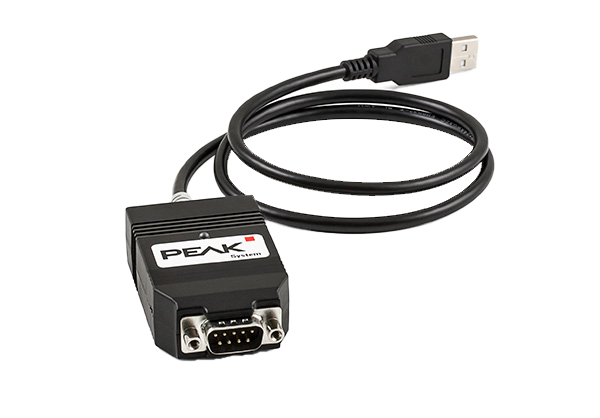
Kits are included according to different version configurations:1-2 PCAN-USB XL Interface AdaptersThe following are some examples of the types of products that can be used in the PCAN-Basic Programming Interface for Windows Systemsas well as PCAN-Explorer 7 Sneak Preview SoftwareThe

Frequently Asked Questions FAQ

Q1:What are the main differences between PCAN-Explorer 6 and PCAN-Explorer 7?
The main differences are described in the "New Features and Highlights" section above. From a practical point of view, you will feel very familiar when using the new version as the structure of the main user interface remains the same.
Cannot. The plug-in cannot be cross-used between major versions of PCAN-Explorer. The functions of the new version of the plug-in are designed and developed based on the code structure of PCAN-Explorer 7, and therefore cannot be run on older versions.

This is possible. In principle, you can open projects created by older PCAN-Explorer versions directly in PCAN-Explorer 7. However, the following two cases are not supported:

  1. The Line Writer feature of the previous version of the software is no longer available.

  2. Due to the change in software architecture from 32-bit to 64-bit, the callback library (.dll) cannot be used.
      The callback library must be recompiled for PCAN-Explorer 7 to generate a 64-bit DLL file.

The software (including all plug-ins) will be provided as a single Windows installer (.exe). You will need administrator privileges to install it. The installation process usually takes less than two minutes. Once the installation is complete, you will be prompted to activate the license.
The simple Line Writer plug-in is no longer available for PCAN-Explorer 7. Please use the more powerful Plotter plug-in instead (a separate plug-in license is required).

PCAN-Explorer's message parsing file (.sym) format no longer uses "variables" for definitions.
Therefore, the operation is divided into two steps:

  1. Define "signal" first.

  2. These defined signals are then inserted into the definition of the CAN message

Related Products

PCAN-Explorer 6

Professional CAN/CAN FD bus communication analyzer with support for bus monitoring, manual or timed message sending, function plug-ins and built-in scripts.

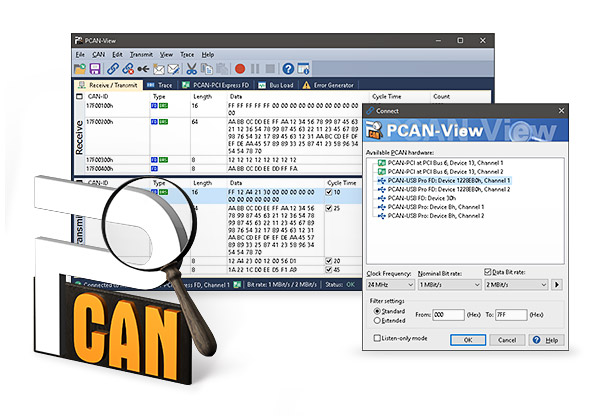
PCAN-View

Free CAN bus analysis software for Windows CAN telegram monitor that simultaneously receives, sends and records CAN telegrams

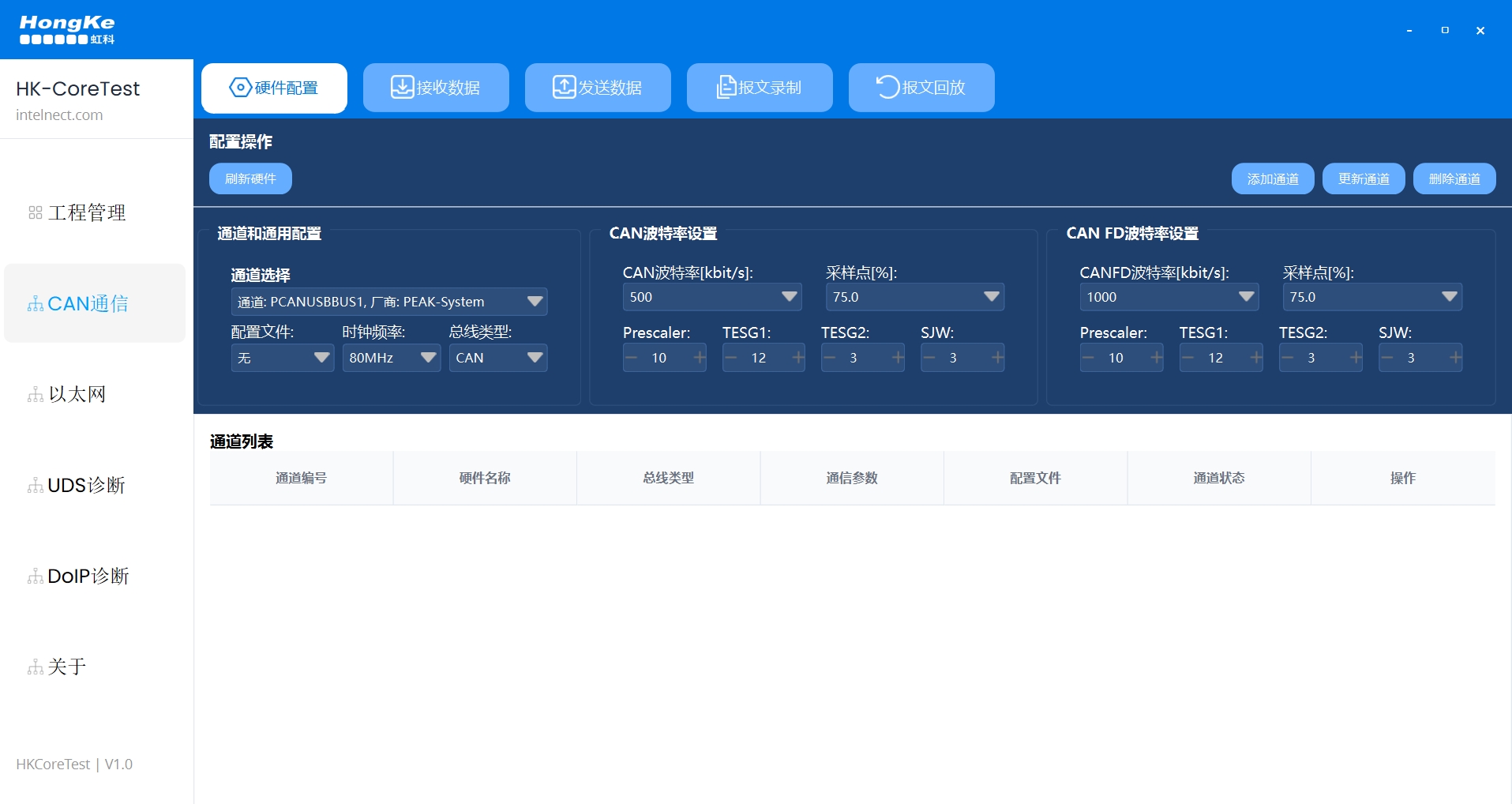
HK-CoreTest Software

Comprehensive in-vehicle bus test software supporting CAN/CAN FD and in-vehicle Ethernet protocol monitoring, message sending/receiving, diagnostics and database parsing.

PCAN-USB FD

Cost-effective 1-way CAN/CAN FD-to-USB interface with secondary development kits and sample programs, ideal for field diagnostics and mobile applications

Professional technical support from HONGKEI to help you succeed in your project.

HongKe's PEAK CAN / CAN FD analysis software series provides developers and engineers with efficient and intuitive tools for monitoring and diagnosing vehicle bus data. Whether it is real-time monitoring, message parsing, or advanced protocol analysis, PEAK supports CAN, CAN FD, and multi-channel applications, helping users to quickly locate problems and optimize communication performance during the R&D, testing, and maintenance phases. HongKe provides professional technology and complete support to help enterprises build stable and reliable in-vehicle communication systems.


Contact Hongke to help you solve your problems.

Let's have a chat