Search

PCAN-miniDisplay

PCAN-MiniDiag FD

CAN bus data visualization and recorder

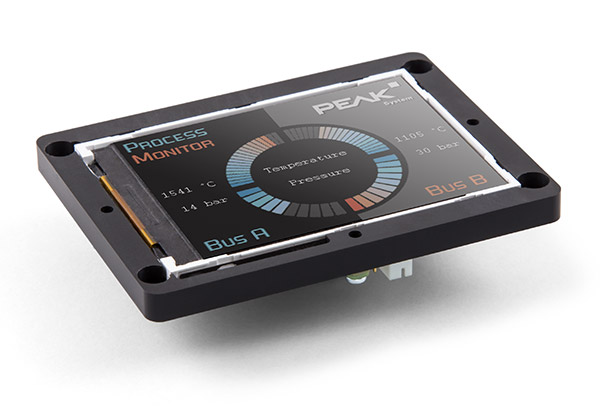
PCAN-MiniDisplay is a compact Human Machine Interface (HMI) that integrates CAN data visualization and data logging functions for real-time display of CAN bus information or for logging and storing communication data for subsequent analysis.

Product Description

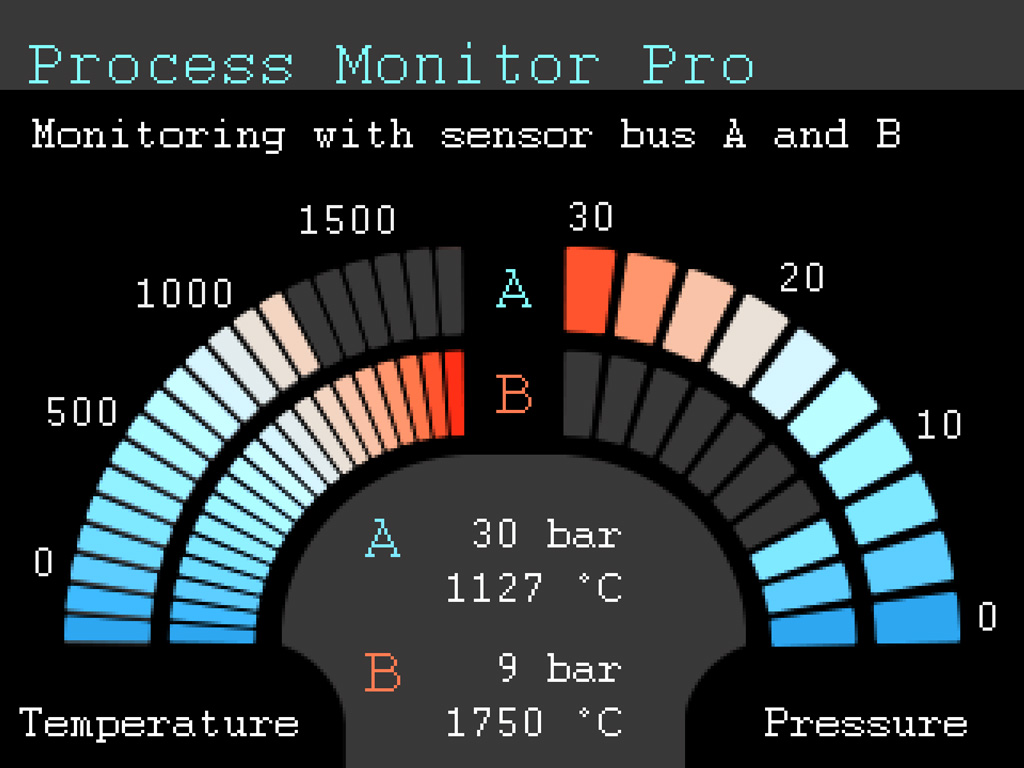
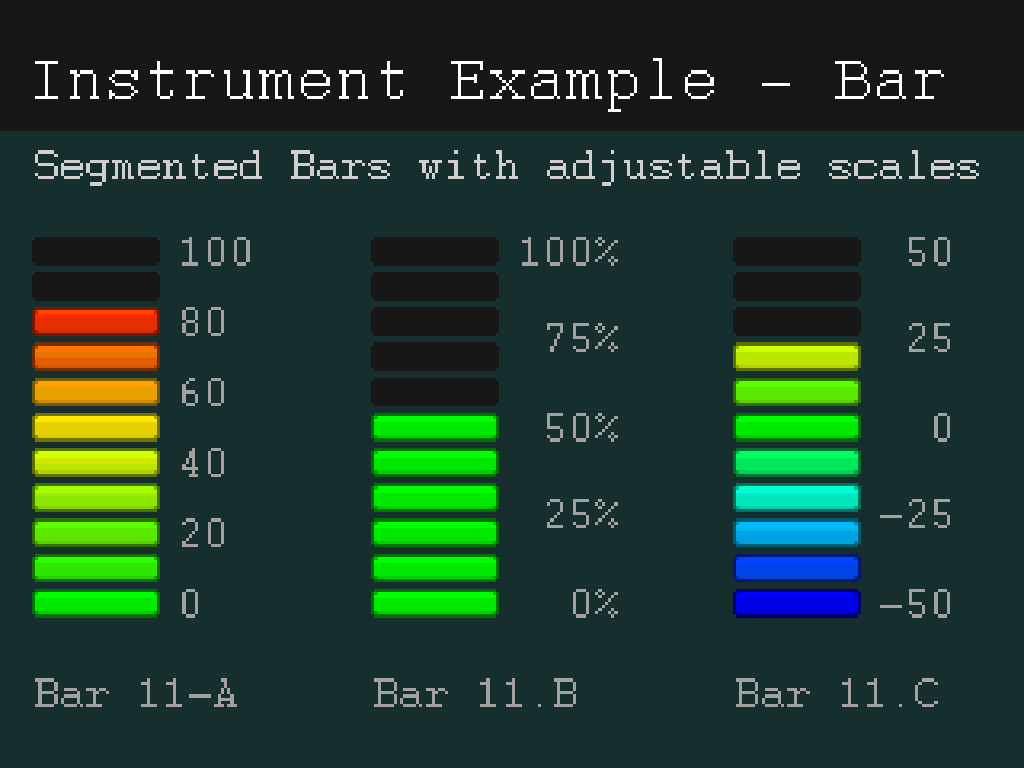
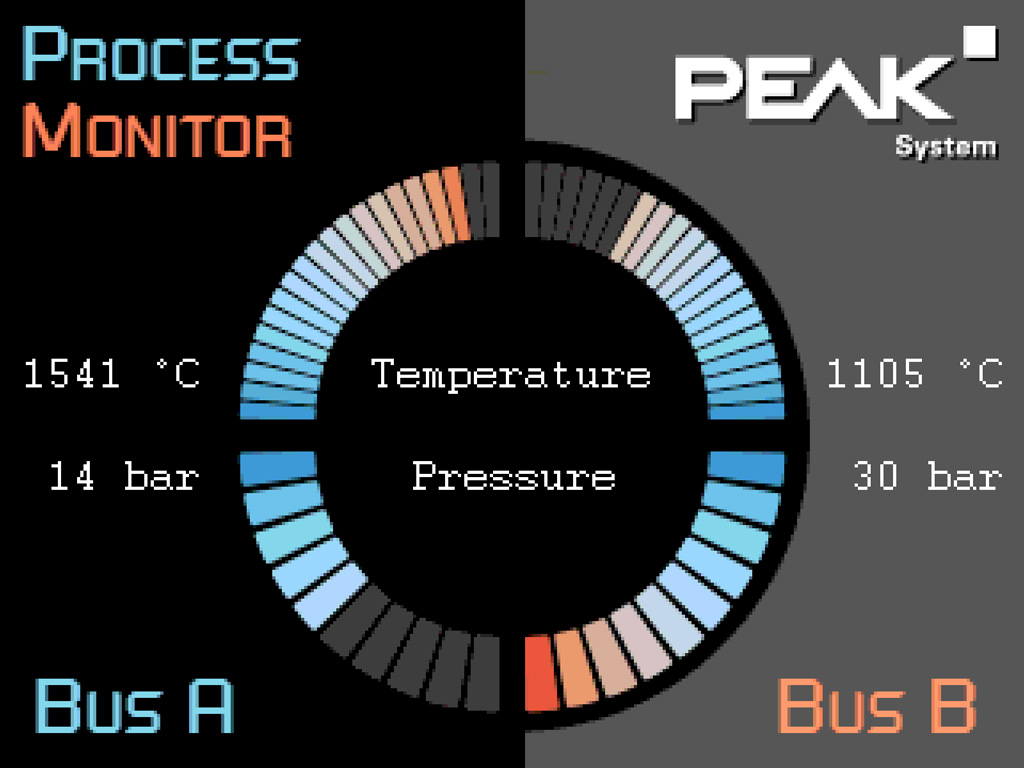
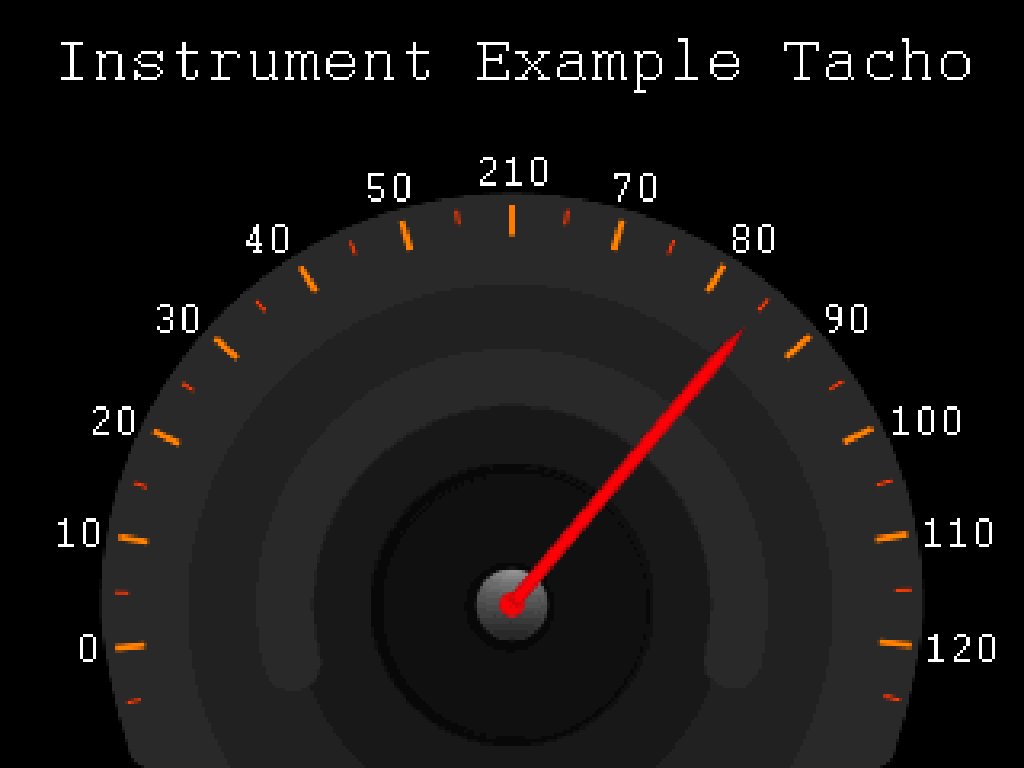
The PCAN-MiniDisplay serves as a Human Machine Interface (HMI) for CAN data visualization. The device is equipped with two high-speed CAN interfaces for bus connection. The display of the incoming CAN data can be pre-set before use; after setting, the data will be presented on the TFT display according to the pre-set graphical format.

In addition, the device can also be used as a data logger, storing communication data from the CAN bus to a memory card for later playback or analysis on a computer.

In addition to the standard built-in version, a version with physical buttons is also available. This version supports the creation and evaluation of application-specific scenarios and allows the user to directly switch between different setting modes during actual operation.

Warm Tips

PCAN-MiniDisplay cannot perform display setup and logging/playback of CAN packets at the same time; only one of these modes can be run at a time.

Technical Specifications

  • Equipped with 2 high-speed CAN channels (ISO 11898-2 compliant)
  • Bit rate range: 40 kbit/s to 1 Mbit/s
  • Compatible CAN 2.0 A/B Protocol Specification
  • CAN Transceiver: NXP TJA1041 (support wake-up function)
  • 2 analog inputs
  • 10-bit resolution
  • Measurement range: 0 ~ 16.5 V
  • 1 digital input + 1 digital output
  • TFT display (320 × 240 pixel resolution)
  • Visualization of CAN data can be freely set via text file.
  • Text labeling: text content, CAN data, and analog/digital input values
  • Formatted output: numeric, float, string (enumeration and multiplexer processing supported)
  • Supports transparent bitmap display.
  • Dynamic display of image lists based on signals
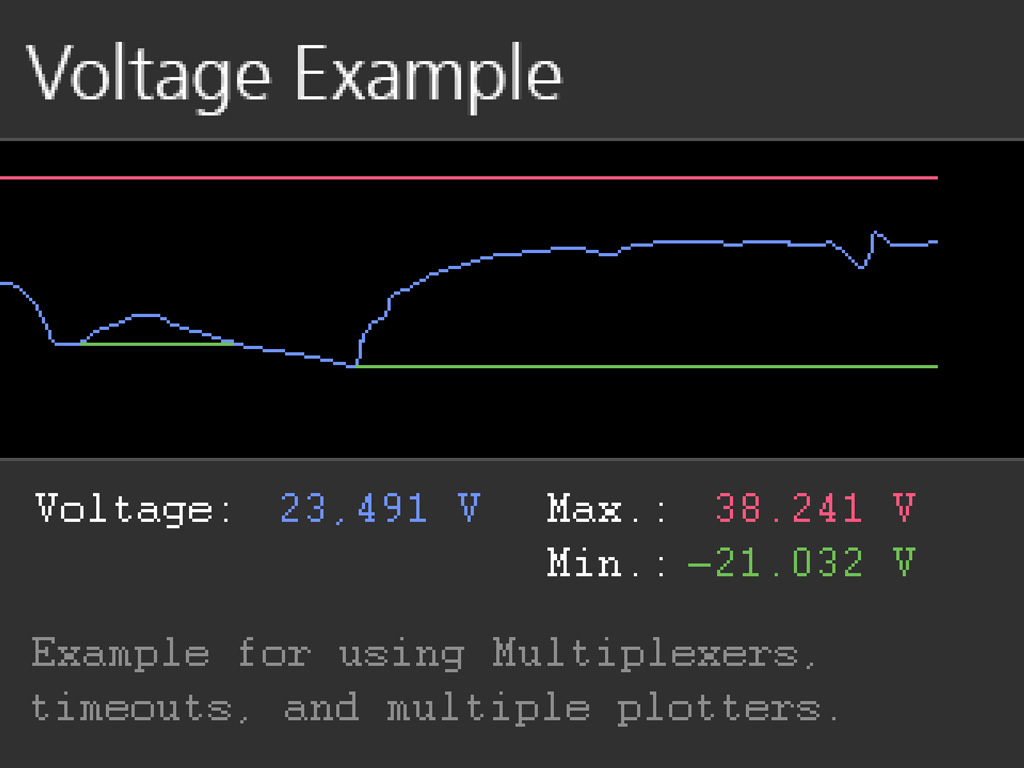
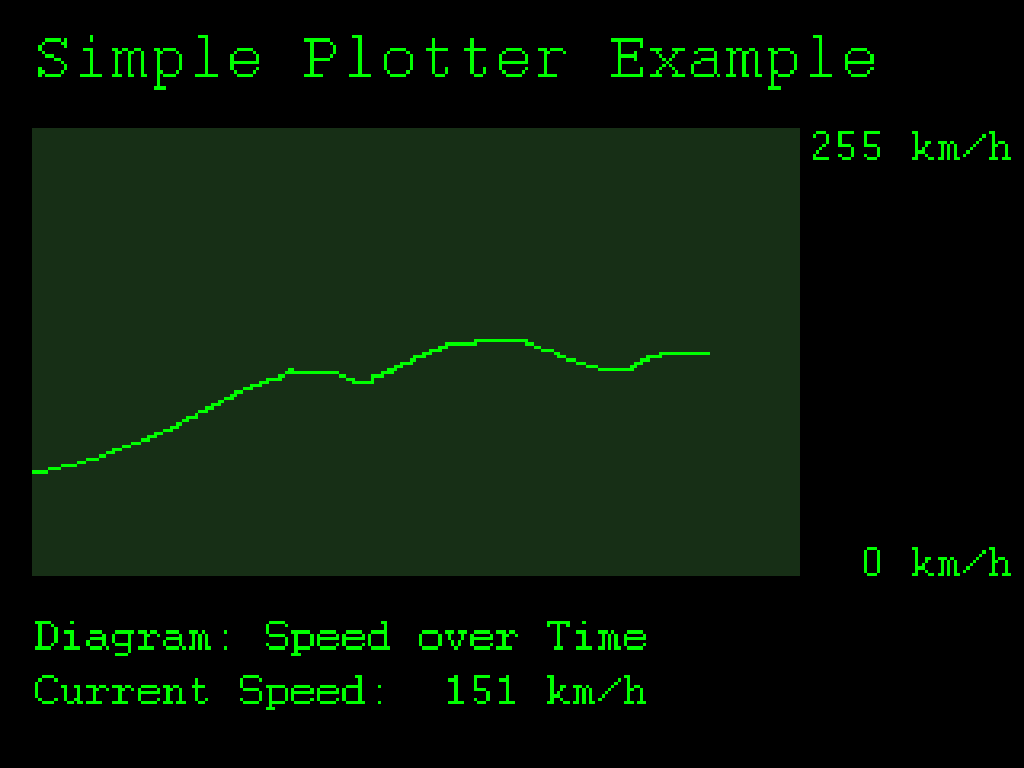
  • Multi-signal curves can be displayed in the Plotter.
  • Supports setting of keys, buzzer and display brightness via CAN bus
  • CAN frame sequences can be sent during startup, execution, and end of setting
  • Built-in microSD memory card slot (up to 32 GB)
  • Hi-Speed USB 2.0 interface
  • Memory cards can be accessed from a PC
  • Supports setting programs directly from the memory card
  • Optional settings: single setting automatically activated on power-up or automatic start recording
  • Size: 80 × 55 mm
  • Power supply voltage: 7 ~ 30 V
  • Operating temperature range: -20 to 70 °C (-4 to 158 °F)
  • Supports recording of incoming CAN packets to the internal memory card (optional error frame inclusion).
  • CAN ID filtering, with logging rules set independently for each CAN channel
  • Converts log files to multiple formats via Windows software
  • Supports cyclic playback of playback content
  • PCAN-MiniDisplay Plastic housing (with 3 buttons)
  • Connection via Phoenix terminal block

Scope of Supply

PCAN-MiniDisplay Standard Edition
  • PCAN-MiniDisplay Host (with mounting bracket)
  • Power cords, CAN cables and digital input cables
  • Pre-installed 512 MB memory card
  • Windows® system format conversion software PEAK-Converter
  • Setting up a Template File
  • Electronic User's Manual
PCAN-MiniDisplay Enclosure Kit
  • PCAN-MiniDisplay Host in Plastic Case (with matching connector)
  • Pre-installed 512 MB memory card
  • Windows® system format conversion software PEAK-Converter
  • Setting up a Template File
  • Electronic User's Manual

Download

The package includes: the latest version of firmware, setup examples, resource files, PEAK-Converter conversion software, and technical support documentation for the current version of the device.
Software for converting monitored data into multiple file formats for Windows® 11 (x64/ARM64) and Windows® 10 (x64) systems.

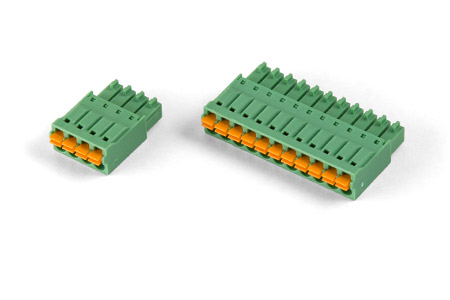
Mating Connectors (Phoenix Contact FMC 1,5/4-ST-3,5 and FMC 1,5/10-ST-3,5)

Related Products

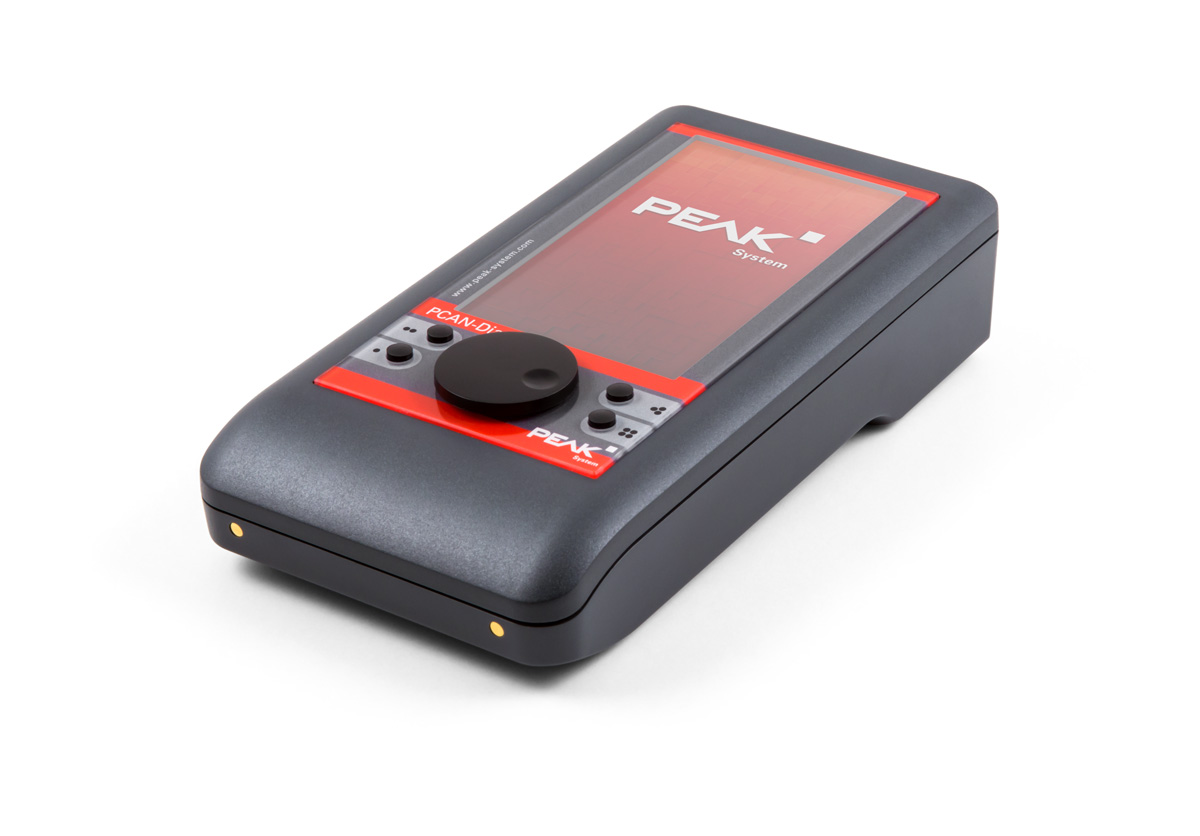
PCAN-Diag FD

Handheld CAN/CAN FD Bus Diagnoser

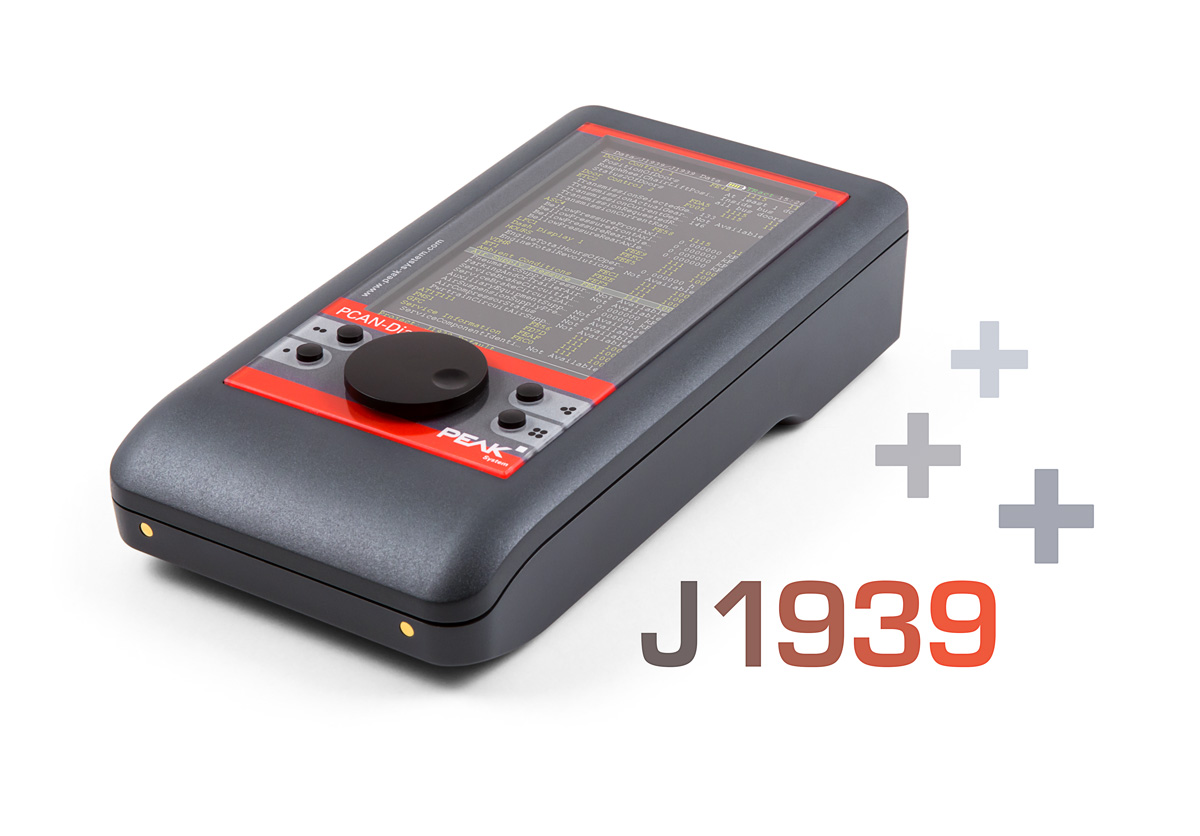
PCAN-Diag FD J1939 Expansion Inserts

PCAN-Diag FD Optional J1939 Expansion Plug-in

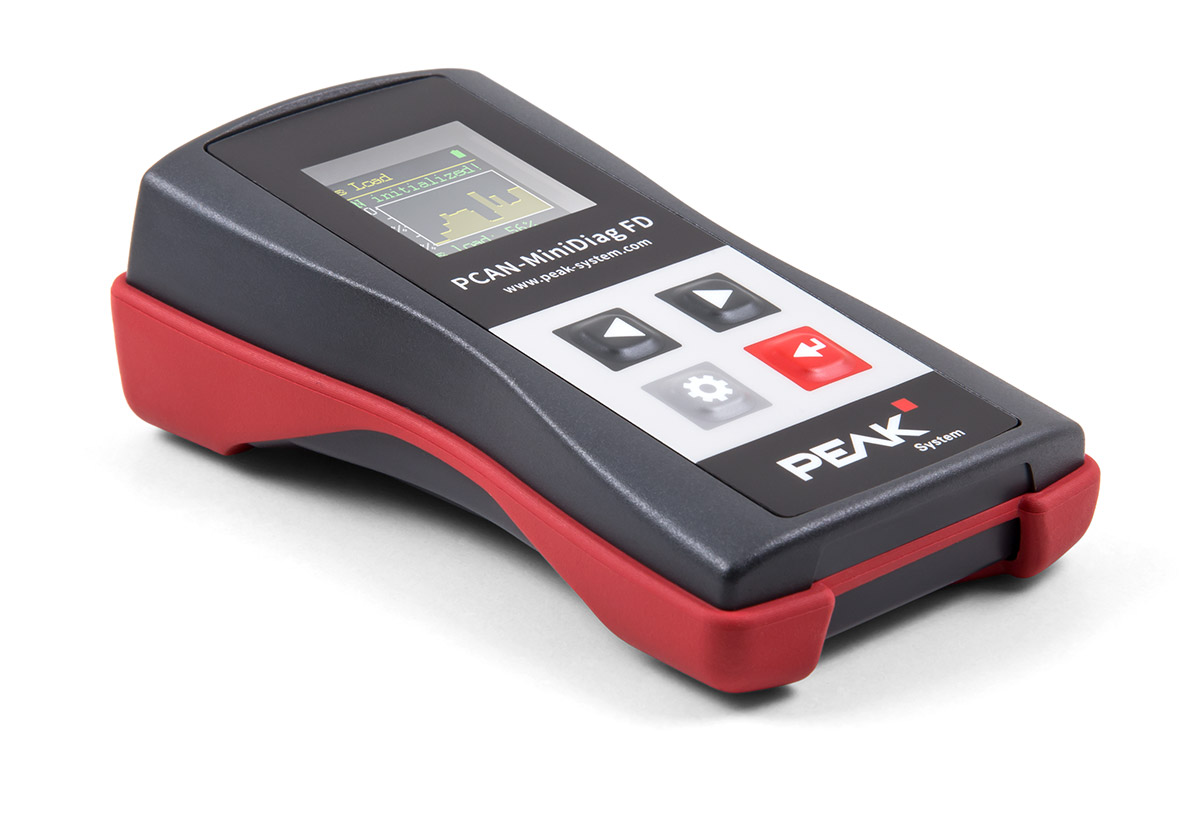
PCAN-MiniDiag FD

Handheld CAN/CAN FD Bus Diagnoser

Professional technical support from HONGKEI to help you succeed in your project.

HongKe offers a complete range of CAN / CAN FD bus logging and diagnostic tools, including PC-based diagnostic equipment, display and analysis tools, and stand-alone CAN data loggers supporting CAN, CAN FD, LIN, and J1939 in-vehicle protocols for in-vehicle electronics development, system testing, troubleshooting, and on-site data logging applications.

Contact Hongke to help you solve your problems.

Let's have a chat