Search

Multifunctional Media Converter

Hongke 100/1000BASE-T1 H-MTD

Media Converter

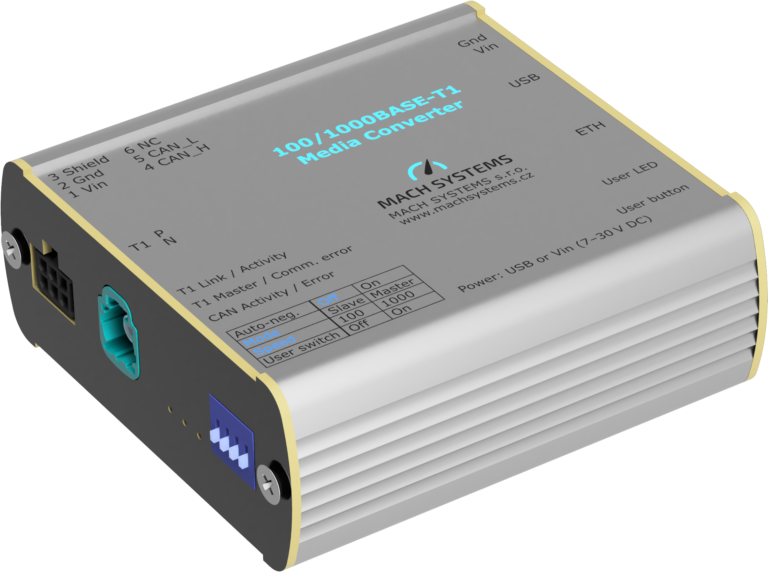
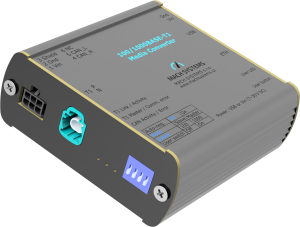
This converter provides full-duplex physical layer conversion between 1000BASE-T1 and 1000BASE-T (Gigabit Ethernet) and 100BASE-T1 and 100BASE-TX (Fast Ethernet) networks, equipped with H-MTD and RJ-45 interfaces. The transmission rate and master/slave modes can be automatically negotiated with the link partner or manually configured by the user. Status information and port diagnostic data can be read via a USB virtual serial port, and the device can also function as a USB-CAN(/FD) interface.

Models with an optional TE MATEnet interface are also available.

Functional overview

  • Conversion Between In-Vehicle Ethernet and Standard Ethernet Protocols
  • Supports the 1000BASE-T1 and 100BASE-T1 standards
  • Supports 100/1000 Mbit full-duplex communication
  • The communication rate can be negotiated automatically or configured manually.
  • Master-slave mode can be automatically negotiated or manually configured
  • Supports IEEE standards and legacy mode
  • T1 Port Polarity Auto-Detection
  • Data Frame Generator Mode
  • Device configuration, status monitoring, and port diagnostics can be performed via the USB interface
  • Offers free PC software
  • Can serve as a USB-to-CAN(/FD) communication interface
  • USB-powered or powered by an external power source
  • Aluminum alloy housing
  • Supports DIN rail mounting
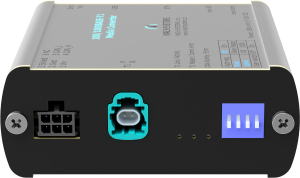
  • This converter features advanced functions such as a data frame generator and cable diagnostics, and can simultaneously perform dual tasks: media conversion and USB-to-CAN(/FD) interfacing. The device uses an H-MTD automotive Ethernet connector (compliant with the USCAR 777-U-002-1-Z01 standard).
  • Through open communication protocols via USB or CAN(/FD) interfaces, users can read status information and configure port parameters, making it easy to integrate the converter with various systems. The device supports programmable configuration and comes with free PC software that intuitively displays device status, allows users to configure parameters, and enables access to advanced features.
  • This device easily connects 100BASE-T1/1000BASE-T1 ECUs or networks to PC devices (desktop computers/laptops). The converter features built-in status LEDs and DIP switches, allowing for convenient operation even without a PC.

Specification

functionality descriptive
Media Conversion Feature
  • 1000BASE-T1 to 1000BASE-T
  • 100BASE-T1 to 100BASE-TX
Configuration Options
  • Speed: 100 Mbit/s / 1000 Mbit/s / Auto-negotiation
  • Mode: Master / Slave / Auto-negotiate
  • Data Frame Generator: On / Off
  • Link Mode: IEEE / Legacy Mode
Communication Channels
  • In-Vehicle Ethernet: Supports 1000BASE-T1 (IEEE 802.3bp) or 100BASE-T1 (IEEE 802.3bw)
  • Standard Ethernet: Supports 1000BASE-T (IEEE 802.3ab – Gigabit Ethernet) or 100BASE-TX (IEEE 802.3u – Fast Ethernet)
  • CAN bus: High-speed CAN channel supporting CAN FD (ISO 11898-1:2015; CAN 2.0A/B; ISO CAN FD)
  • USB: USB 2.0 CDC-class device
System Integration Supports open communication protocols via USB virtual serial ports or CAN(/FD), allowing you to configure port parameters, read port status, and perform cable diagnostics.
USB-CAN(/FD) Interface Features Can be used as a USB-CAN or USB-CAN FD interface (via the open communication protocol of the USB virtual serial port) while performing media conversion functions.
Free PC Apps Provides a free PC application that can be used to read status information, configure converters, perform cable diagnostics, and use USB-CAN(/FD) functionality
Power supply method
  • USB power supply
  • External 7–30 V DC power supply (powered via a 2-pin or 6-pin terminal block, with polarity and surge protection)
Connectors
  • 1000BASE-T1 port: H-MTD Connector
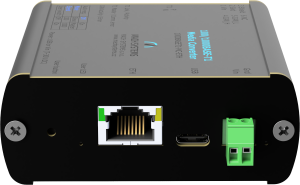
  • 1000BASE-T Port: RJ-45 Connector
  • CAN Bus and Power Supply: 6-pin terminal block (Molex Micro-Fit)
  • Power supply: 2-pin terminal block (TE)
  • USB 2.0 port: USB Type-C port
sizes 84 x 82 x 33 mm
Working Temperature -20 to 70 °C
Installation Method
  • Desktop placement (includes adhesive feet)
  • DIN rail mounting (mounting brackets sold separately)

Other Product Information

Free PC Applications

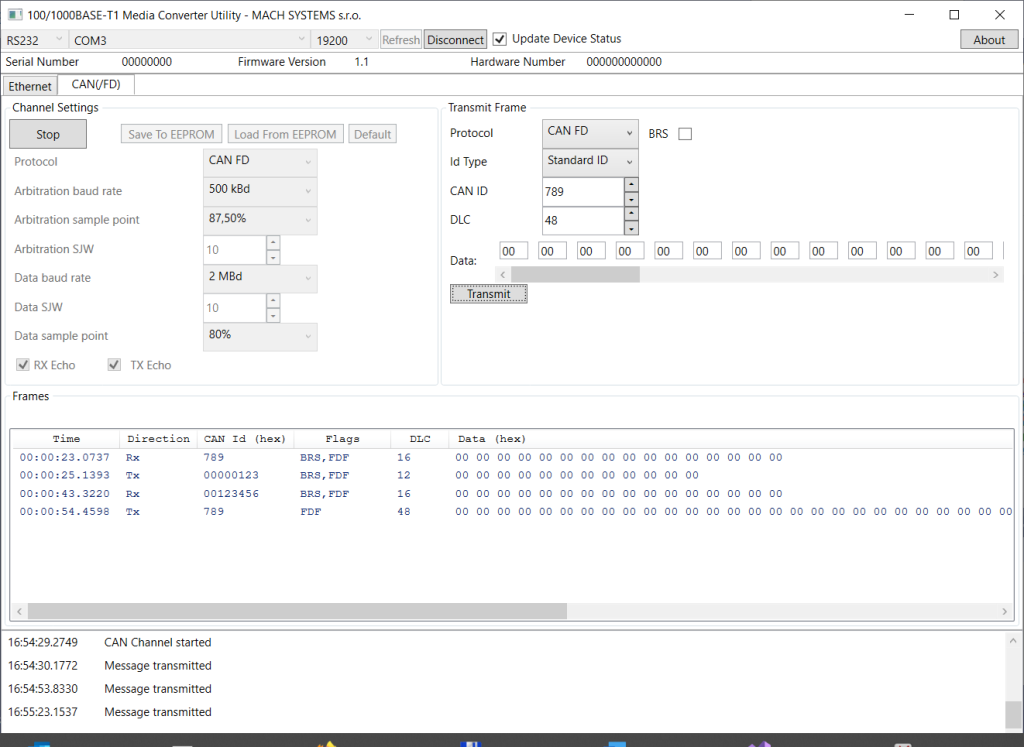
Hongke provides free PC software to accompany its 100/1000BASE-T1 media converter.

core functionality

  • Read port status: link status, baud rate, master/slave mode, signal quality, insertion loss, and return loss
  • Configure adapter parameters: Auto-negotiation, Speed, IEEE/Legacy mode
  • Perform Cable Testing
  • Using the Media Converter as a USB-CAN(/FD) Interface: Configuring CAN Channels, and Sending and Receiving CAN and CAN FD Data Frames

*This application was developed using the .NET Framework and is compatible with the Windows operating system.

This converter provides an open communication protocol via the USB or CAN(/FD) interface, which can be used to remotely read device status, configure T1 and standard Ethernet port parameters, or serve as a USB-CAN(/FD) communication interface.

Product Code descriptive
HKIC-100/1000BASE-T1-MCH-MTD 100/1000BASE-T1 Media Converter H-MTD
HKIC-100/1000BASE-T1-MCMATENet 100/1000BASE-T1 Media Converter MATENet
HKIC-SW-1000BASE-T1 .NET SDK .NET SDK API (DLL) for accessing devices via USB (VCP) or CAN/FD. This API supports reading device status, configuring devices, and performing cable tests; it also allows the device to be used as a USB-CAN (FD) interface. One-time payment, perpetual license (valid only for a single user address)

Related Products

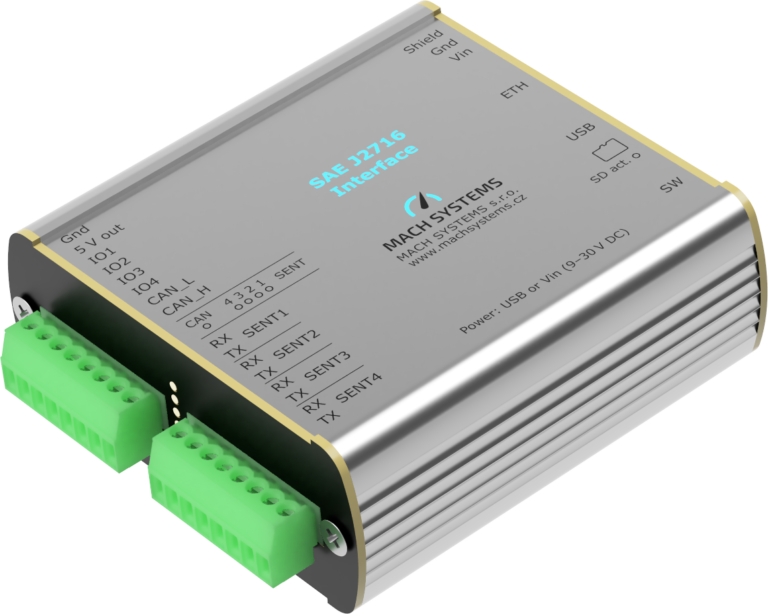
SAE J2716 Interface

SENT-to-Ethernet / USB / CAN(/FD) Gateways, SENT-to-Analog Converters, Standalone SENT and CAN(/FD) Data Loggers

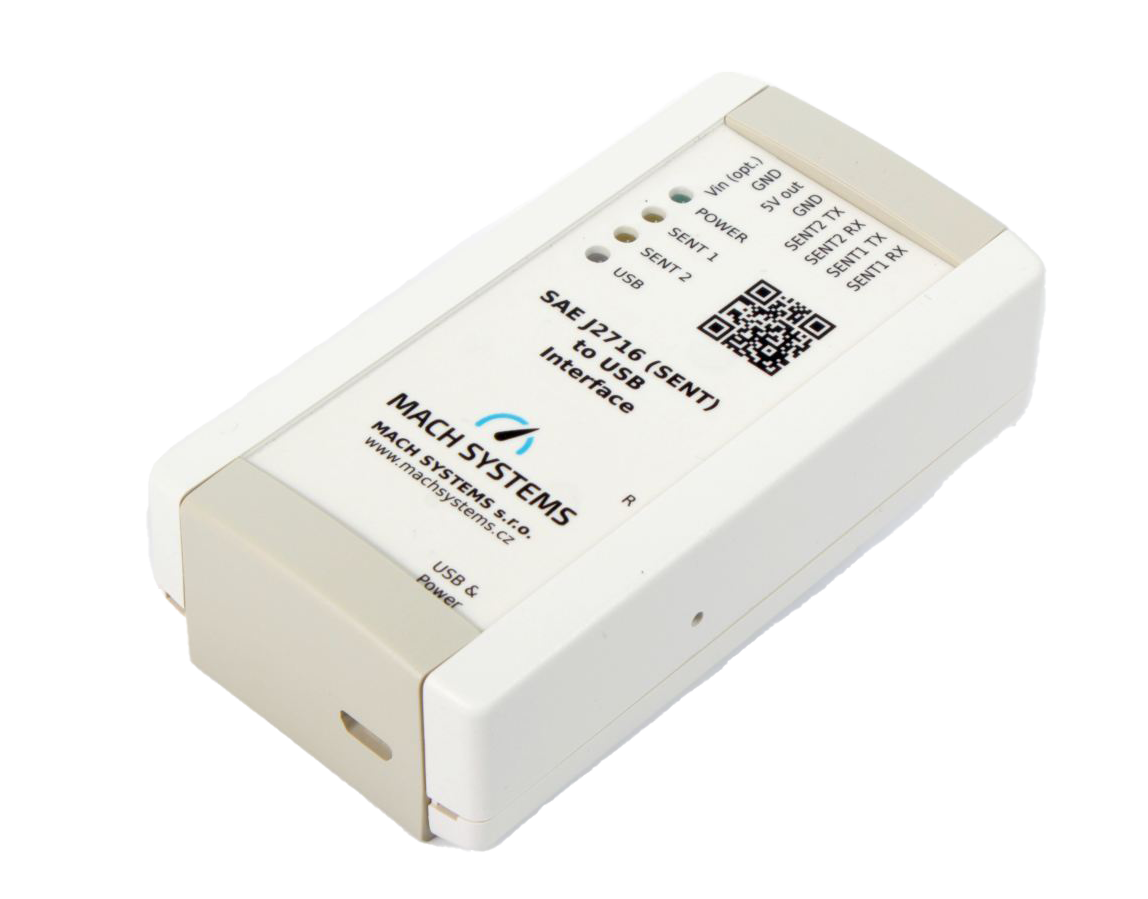
SENT-USB

Dual-channel SAE J2716-to-USB interface that supports connecting the SENT bus to a computer equipped with a USB port

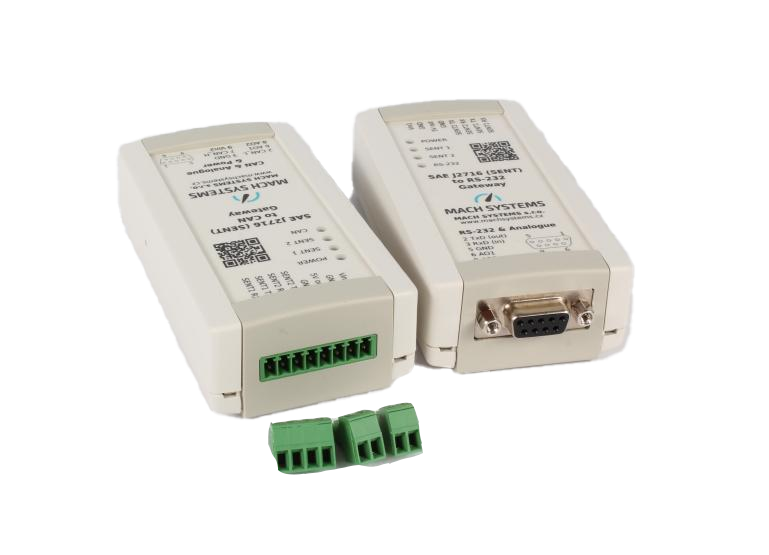
SENT Bus Gateway

Equipped with two bidirectional SENT channels, two analog output channels, and an RS-232 or CAN bus interface, it is suitable for applications such as SENT communication monitoring and simulation.

In-Vehicle Ethernet
Data Acquisition and Testing Tools

Multifunctional in-vehicle communication interfaces, embedded devices and test and diagnostic tools

Professional technical support from HONGKEI to help you succeed in your project.

We are committed to helping our customers achieve long-term success not only by providing products, but also through professional technical consulting and innovation optimization. By choosing Avision, you are choosing a reliable technology growth partner with international vision and local needs.
 

Contact Hongke to help you solve your problems.

Let's have a chat