Search

CAN(FD) / LIN bus logging and diagnostic tools

PCAN Series by PEAK Germany

CAN(FD) / LIN bus logging and diagnostic tools

HOSCO PCAN Series CAN(FD)/LIN Bus Logging and Diagnostic ToolIt can accurately diagnose bus communication faults, parse packet data, and instantly record bus transmission information to ensure complete data traceability. This series of equipment is suitable for a variety of bus application scenarios, assisting engineers to efficiently troubleshoot equipment communication problems, optimize bus performance, and provide a complete solution forIn-vehicle Systems, Industrial ControlsThe company provides reliable support for bus system operation and maintenance, testing and commissioning in the following areas.
Product Selection

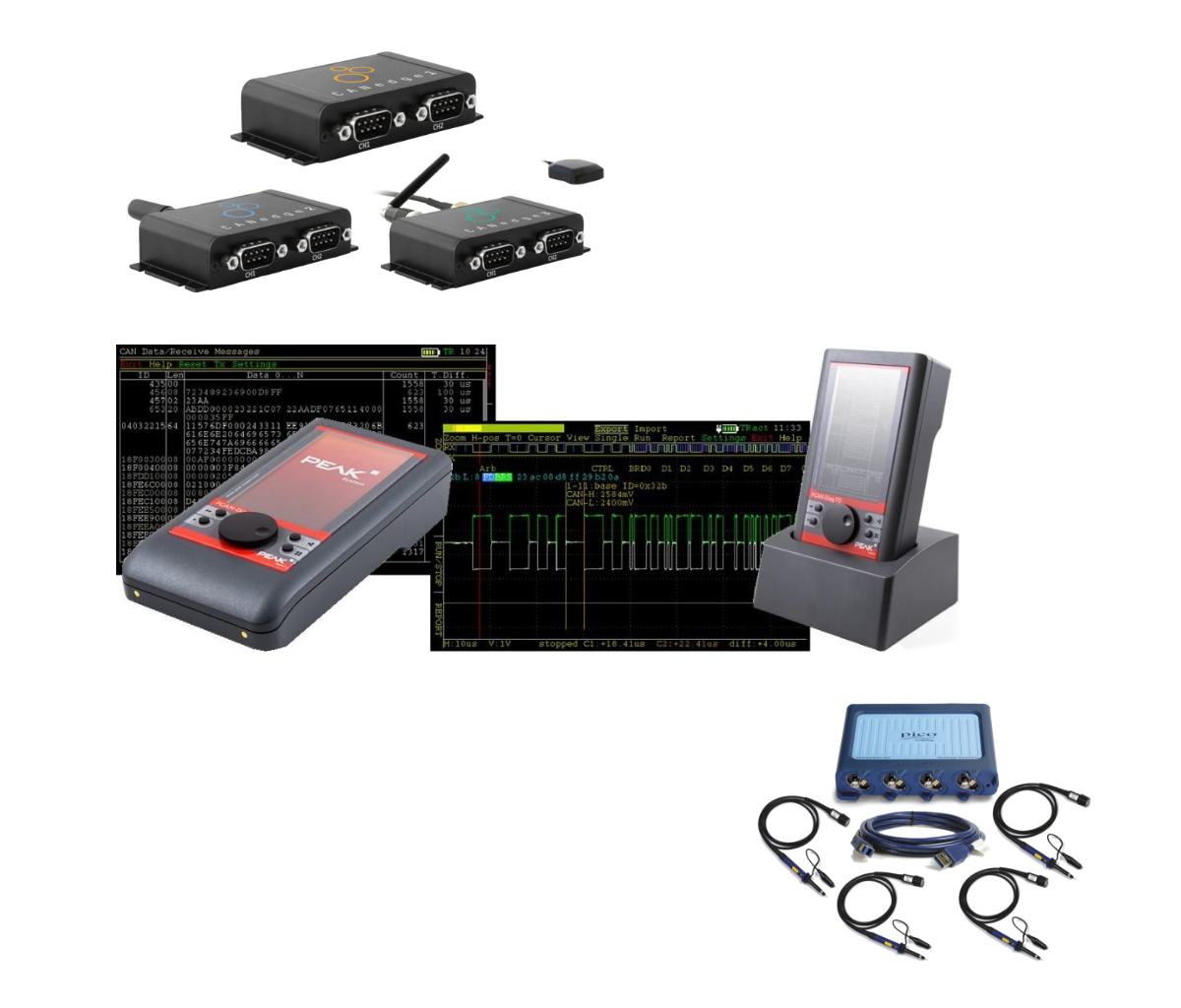
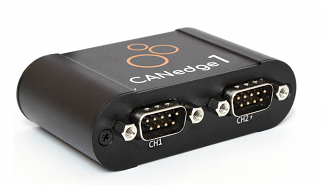
CANedge1

2-way CAN FD/LIN data logger (SD + RTC) for long time data logging of CAN/LIN system to support OEM R&D and testing applications.
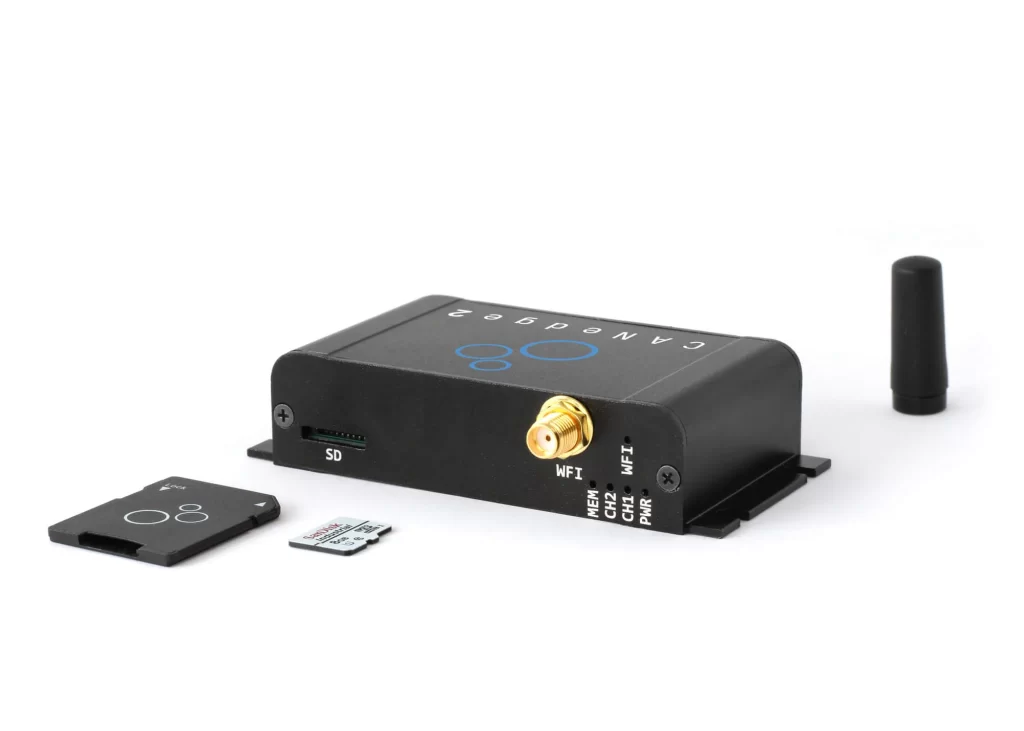
CANedge2

2 × CAN/LIN data logger (SD + RTC + Wi-Fi) for remote information processing, fleet management, field testing, diagnostics and predictive maintenance.
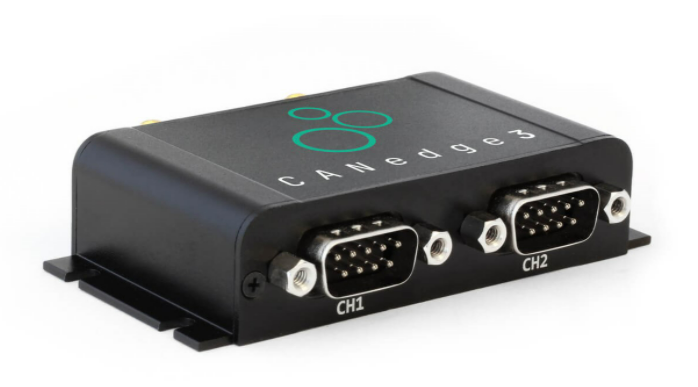
CANedge3

2 × CAN/LIN data logger (SD + RTC + 3G/4G), which can securely push data to its own server via 3G/4G, suitable for remote monitoring and cloud data applications.
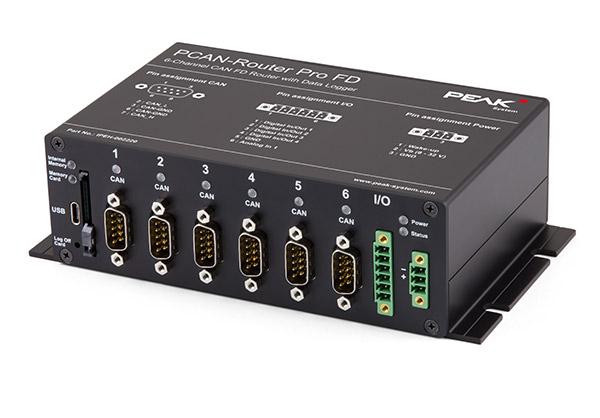
PCAN-Router Pro FD

Programmable 6-way CAN/CAN FD bus gateway and data logger with built-in I/O for complex bus architecture integration, forwarding and data logging applications.
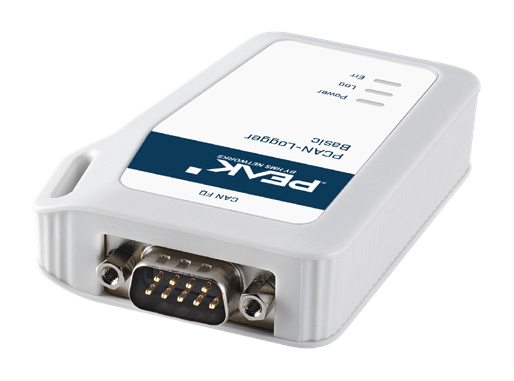
PCAN-Logger Basic

Plug-and-play CAN DataCORDER with 1 CAN/CAN FD channel and up to 500V galvanic isolation protection.
PCAN-Diag FD

Handheld CAN/CAN FD Bus Diagnoser

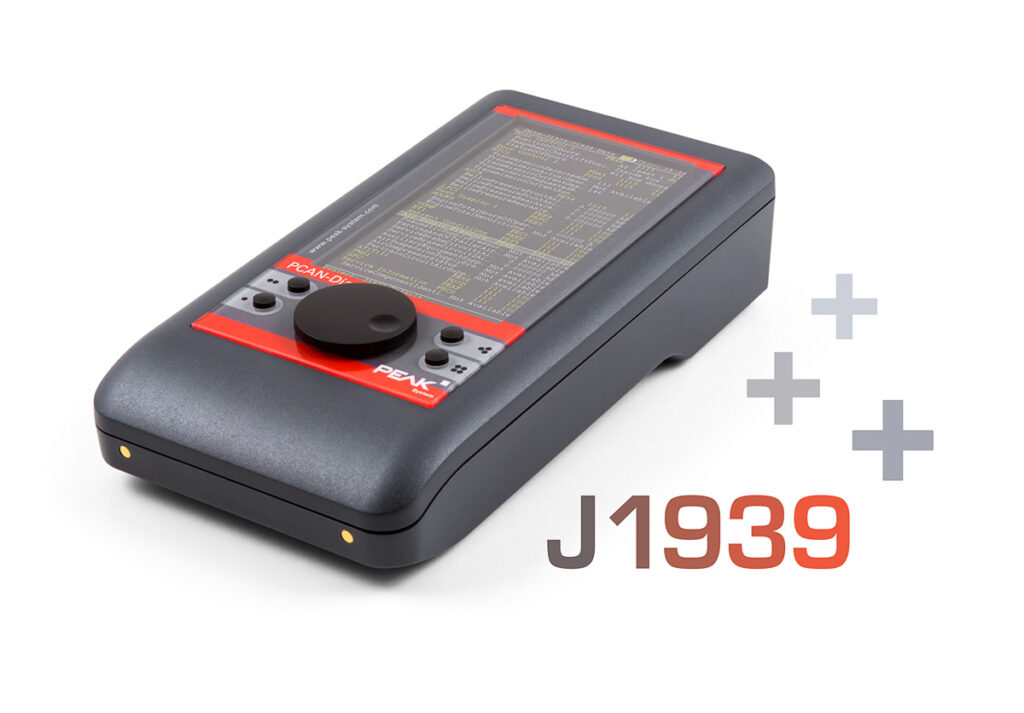
PCAN-Diag FD J1939 Expansion Inserts

J1939 Optional Expansion Plug for PCAN-Diag FDs
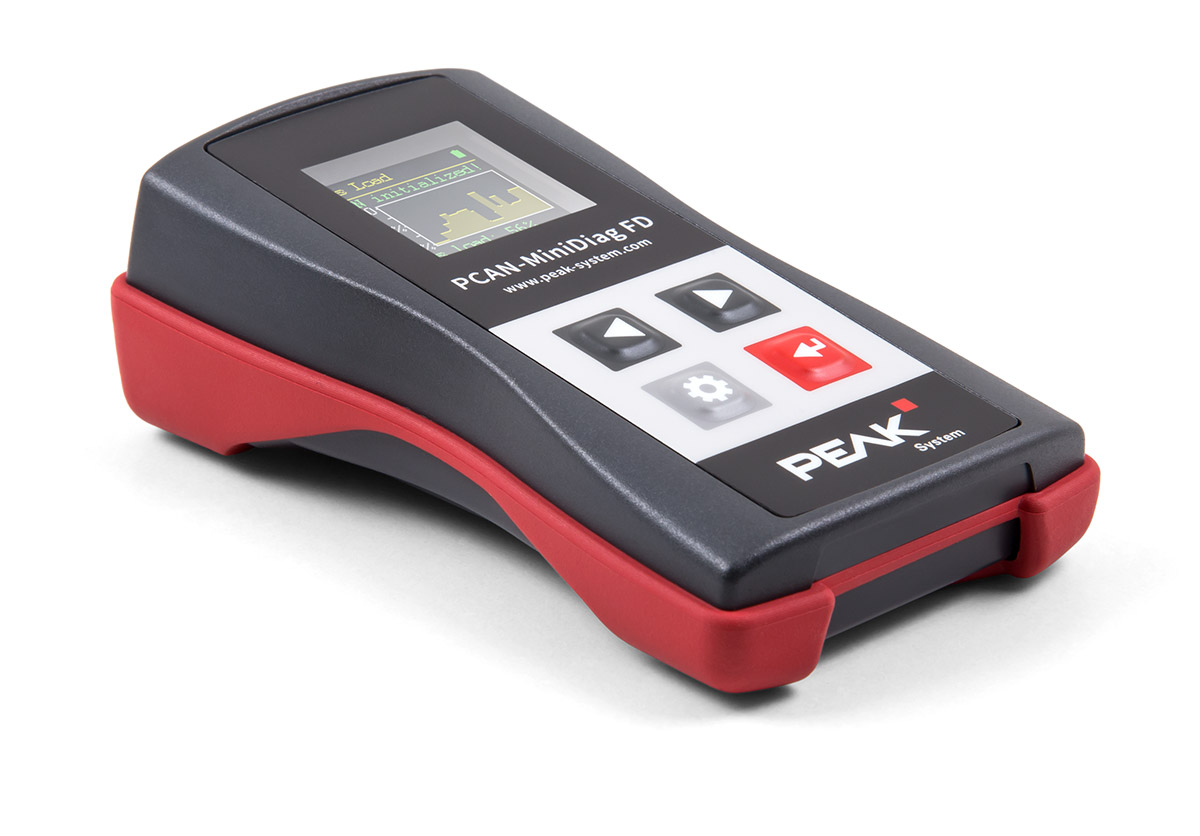
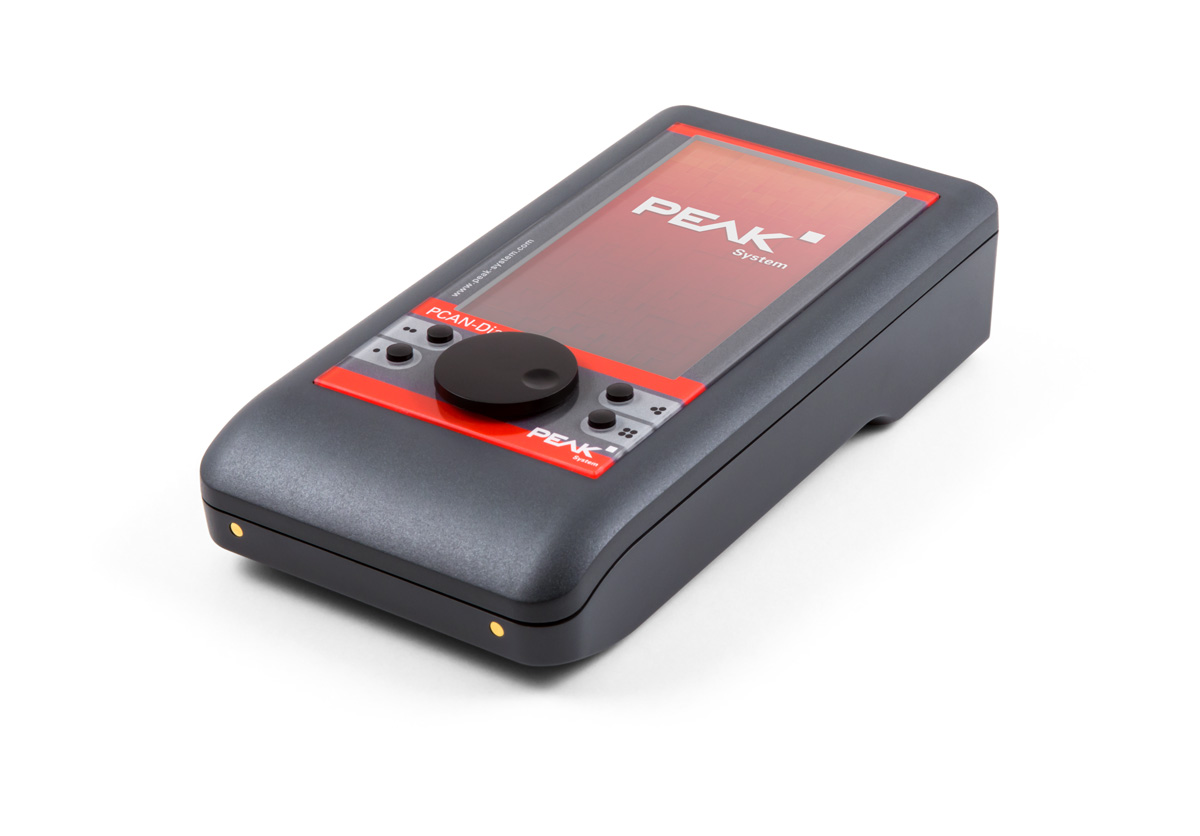
PCAN-MiniDiag FD

Handheld CAN/CAN FD Bus Diagnoser

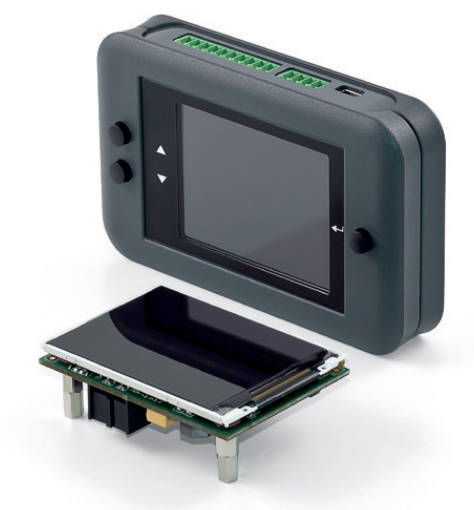
PCAN-miniDisplay

Handheld diagnostic equipment for CAN/CAN FD buses

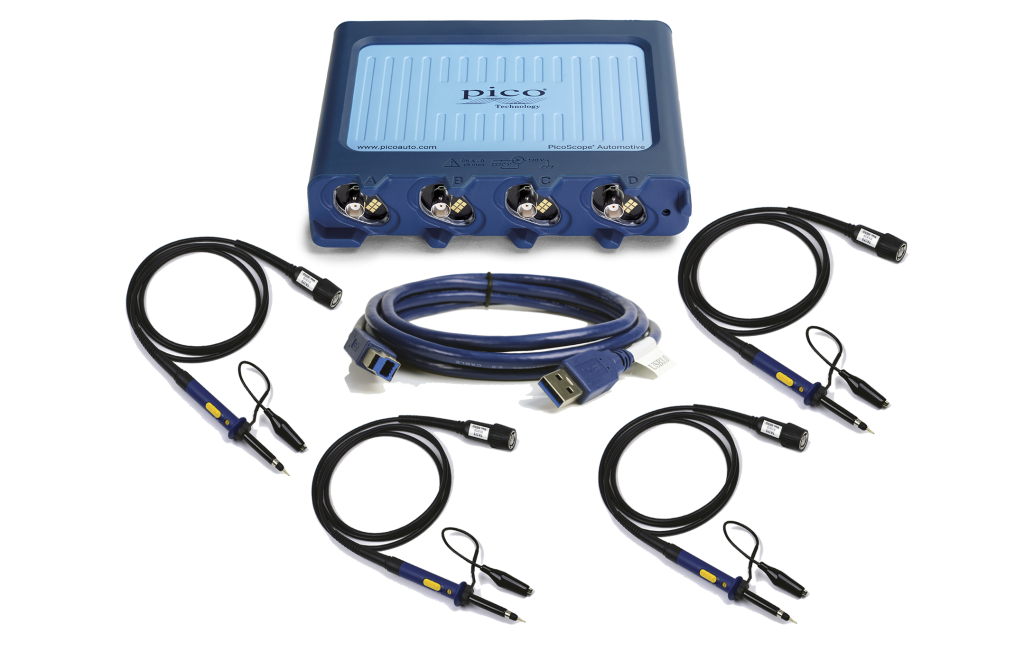
CAN bus oscilloscope

2/4-channel oscilloscopes can be used to detect all kinds of communication signals in the vehicle network, as well as the signals from all sensors and actuators on the vehicle, assisting engineers in bus analysis, signal quality inspection and system debugging.
FAQ

If you are not sure which one to choose CAN Recorder(math.) genusWelcome to contact us--We takeQuick ResponseandProfessional SupportAnd the name is famous.

CANedge Series because of CLX000 The second generation of the product is even better in most applications. So if you're about to start aNew ProgramsThe CANedge series is usuallyPreferred RecommendationThe
If you needFrequency, automation and/or remote controlThe proposed choice is to collect information from the local community.CANedge2 with Wi-Fi capabilityThe

If you need to make a purchase through the USB Instant Streaming For transmission of CAN data, the option of CLX000Because The CANedge series does not support USB streaming.The
If only through the USB export data(math.) genusCL1000 It can satisfy the demand;
If you also want to record data to SD cardIf you are not sure what you want to do, then we recommend that you choose CL2000 or CL3000This is due to the fact that it supports the informationDate and Time Stamp RecordingFunction.

The CAN logger usesplug-and-playDesigned to allow you to record directlyRaw CAN DataThe operation process is as follows:

  • Connecting Devices to Your CAN Bus(Optional with our DB9 Adapter Cable)
  • The device operates automatically after powering up.It automatically detects the bit rate and starts recording the raw data to the SD card
  • Disconnect the device and remove the SD card.Insert the SD card into the computer for data reading (or for CLX000The following is an example of the type of information that can be obtained directly through the USB (Information retrieved)
  • Open the original log file in the freeware.proceed DBC Conversion and Data Analysis

In addition to the above basic processes, the system also providesRich setup optionsand support for the development and implementation of the program through theSoftware or API Advanced configurations and applications to meet different project requirements.

The types of data that can be recorded are described in more detail below and are based on theCommunication protocols, application areas and parametersCategorization:

Points of Attention

All data are inoriginal formatRecordings are made and need to be analyzed before they can be converted to specific physical quantities (i.e., calibrated engineering values) for plotting and analysis.
This process needs to be paired withSoftware/API/Scriptsand the corresponding .DBC File(the database that defines the conversion rules).

You can use our providedFree CANvas Tool(for CLX000), or asammdf GUI/API(for CANedge) for data conversion. In addition, we also provideFree OBD2 DBC as well asLow-cost J1939 DBC For users to perform data parsing.

The CANedge series is The second generation of the CLX000 seriesThe Government has also made comprehensive improvements at a number of levels, as highlighted below:

Mechanical Design
  • Aluminum housing: New housing for greater durability and support for different external Wi-Fi antennas
  • 5V power off supply: Easily power 3G/4G hotspots through a second port using a DB9-USB adapter (CANedge2)
  • channels: Provided 2 CAN/LIN channelsThe data can be recorded in parallel with the data from 2 CAN + 2 LIN busesThe information provided by the Government of the Hong Kong Special Administrative Region of the People's Republic of China
  • Industrial SD Card: Industrial-grade SD card for improved performance, longevity, and operating temperature range
  • Removable SD cardThe SD card can be removed directly to 80 MB/s Data transfer speed (CLX000 transfer via USB is only approx. 0.5 MB/s)
Log files and software/API
  • MDF4 record format: Adoption of mainstream binary MDF4 format, which is more compact and faster than CSV, and supports a variety of CAN tools.
  • CANcloud: Open source CANcloud browser tool for easy management of log files and device settings (including OTA)
  • JSON Schema: Profiles are based on JSON Schema concept and support various open source tools.
  • asammdf GUIProvides friendly MDF4 log editing, DBC conversion (including OBD2/J1939), graphical analysis, and more.
  • asammdf APIEasily scale data and automatically create reports, databases or dashboards.
  • Converter: an open source and lightweight conversion tool that converts MDF4 to *.csv and *.csv via drag and drop or CLI. .asc
Data Recording Capability
  • Non-destructive records: CANedge can be realized at very high bus loads.Zero Message LossData recording of the CLX000 (limited to ~1000 frames/sec. for CLX000 approx.)
  • Advanced Settings: Provides a list of higher level filters and transmissions (e.g. up to 128 filters(8 units only)
  • Advanced Trigger: Recording can be started/stopped according to CAN ID and data byte value.
  • Compression: Optional compression feature to reduce log file size 50-70%
  • encrypted: Optional encryption feature to support encryption of log data on the SD card
  • Precision Improvement: RTC resolution improvement 20x (50 microseconds)Advanced Wi-Fi RTC synchronization is supported.
  • Start-up time: Compared to the CLX000, the boot-up speed is significantly higher (approx. 1 sec. vs. 10 sec.)
  • CAN FD: Support CAN FD (Flexible Data Rate)The company is a forward-looking organization.
Wi-Fi (CANedge2)
  • Wi-Fi effectWi-Fi stability, coverage and support for 1-5 Wi-Fi access pointsDynamic switching between the two devices and providing device status updates.
  • Wireless updates (OTA): Updates device settings/firmware wirelessly in a few steps, batch tools also supported
  • security: Adoption of safe HTTPS Transmission(replaces insecure FTP) and supports encrypted certificates on SD cards
  • Cloud Integration: Support S3 Interface plug-and-play integrations such as AWS, Google Cloud, Azure, and free S3 servers such as MinIO
  • S3 API: Easily automate server-side file management, such as OTA updates and log file handling, through the S3 API.

In addition.The CANedge series will be a key platform for future firmware upgrades.This means that more powerful features, in addition to those mentioned above, will continue to be introduced for some time to come. It is important to note thatThe main applications for which the CLX000 is best suited.Still:Requires real-time streaming of CAN data via USB(USB streaming is not supported in the CANedge series).

We provide all equipment withFree Softwareand also provide CANedge APIIt is a convenient way for users to process data and integrate with the system.

Free Software and API Tools (CANedge)
  • MDF4 Converter:This can be done through the freeOpen Source MDF4 ConverterThe MDF4 record file of CANedge can be easily converted into the MDF4 record file of CSV, ASC, TRC The data can be loaded and analyzed using your preferred tools.
  • asammdf GUI:Open Source asammdf Provides a wide range of products suitable for Windows/Linux The CANedge2 MDF4 file is an easy-to-use GUI tool for CANedge2.Reading, editing, exporting, DBC conversion and plotting.and support OBD2 or J1939The
  • MDF4 API:The CANedge series is based onIndustry standard MDF4 formatRecord the raw CAN data.asammdf API Provide complete support to facilitate the processData editing, exporting or DBC conversionThe
  • CANcloud:CANcloud Allows you to manage CANedge Devices and Data. Simply log in S3 ServerYou can do it now.Wireless download of files or device updates (OTA)The100% Open SourceThe
  • S3 API:The CANedge2 will display the data in the form of a S3 ObjectsThe main programming languages have their own correspondingOpen API/SSDKSupporting the realization ofData processing automation, OTA updatesand other processes.
Free Software Tools (CLX000)
  • CANvas:CANvas is a Windows utility that can be used toSetting CLX000Through USB Streaming with WiresharkTransferring data, or converting log data to specific physical quantities (e.g. OBD2or through DBC Convert to J1939)。
  • Wireshark plug-in:The Wireshark plug-in allows you to get the most out of the CLX000 Instant StreamingConverted by DBC OBD2/J1939/CAN data, and for CAN bus reverse engineeringProvides a powerful tracking view.

Attention:All of the above tools are 100% Optional. Even if you don't use any of the above tools, you can still directly use the CLX000/CANedge The device completes data logging.

  • Telematics:CANedge Yes J1939 Heavy FleetmaybeWarehouse SceneIdeal for remote information processing applications.
  • Research and Development (R&D):For OEMs, CAN loggers are a central tool in research and development, for example forTest StandandDynamometerThe ECU and powertrain tests in the
  • System Optimization:CAN bus data forReduces fuel costs, improves driving safety, reduces vehicle emissions and improves overall performanceOptimization work such as this is of paramount importance.
  • Maintenance and Repair:existScheduled, Preventive and Predictive MaintenanceAutomatic access to vehicle data can be a key decision maker.
  • Field test:The late prototyping phase usually requiresLow-cost, self-contained vehicle data loggerConduct real-world road or field tests.
  • Automotive Diagnostics:CAN Logger for recording and transmission OBD2 DataThe following are some of the most popular features of this product.Driving Behavior AnalysismaybeFault Diagnosticsetc.
  • Electric Vehicle Battery Management:existBattery Management for Electric VehiclesThe importance of data is increasing, for example, in applications such asForklift and AGV and other electric equipment.
  • CAN Hacking and Reverse Engineering:CLX000 Provides a powerful CAN bus sniffing functionThe following are some examples of the types of products that can be used in theAutomotive Safety Research, CAN Hacking Analysis and Reverse EngineeringThe

Professional technical support from HONGKEI to help you succeed in your project.

HongKe offers a complete range of CAN / CAN FD bus logging and diagnostic tools, including PC-based diagnostic equipment, display and analysis tools, and stand-alone CAN data loggers supporting CAN, CAN FD, LIN, and J1939 in-vehicle protocols for in-vehicle electronics development, system testing, troubleshooting, and on-site data logging applications.

Contact Hongke to help you solve your problems.

Let's have a chat