Search

Hongke Industrial Camera Product Center

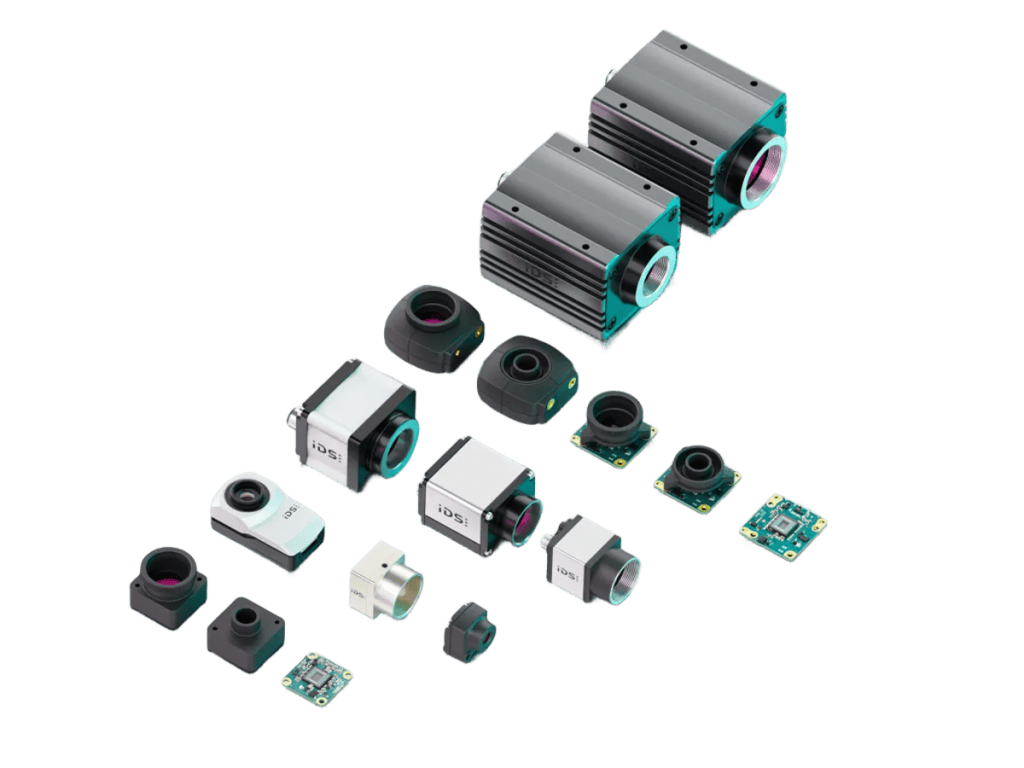
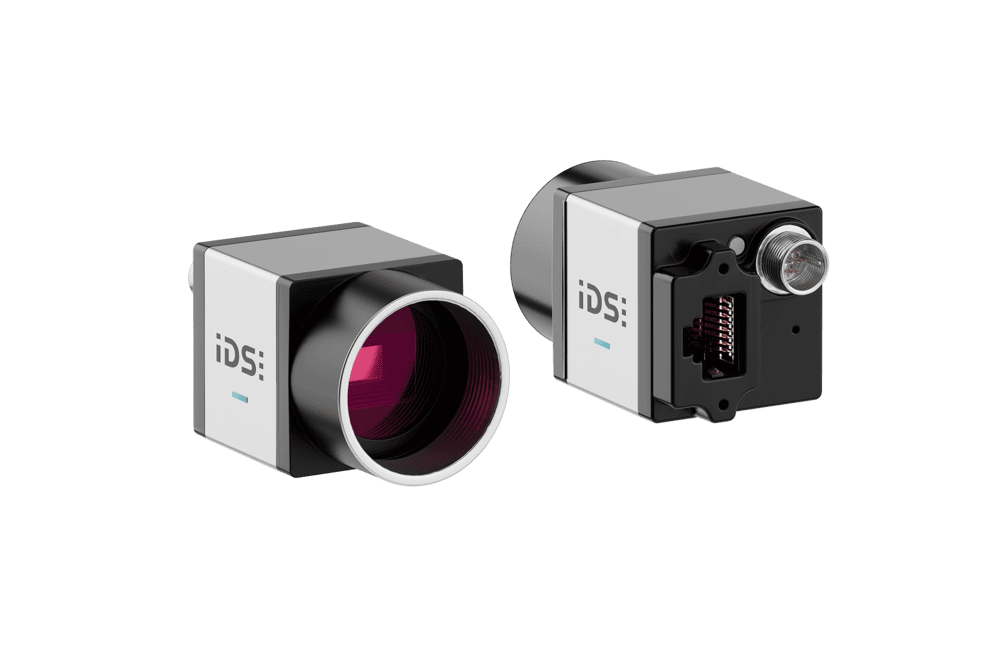
iDS: Industrial-grade, feature-rich, and high-resolution machine vision camera solutions

Products

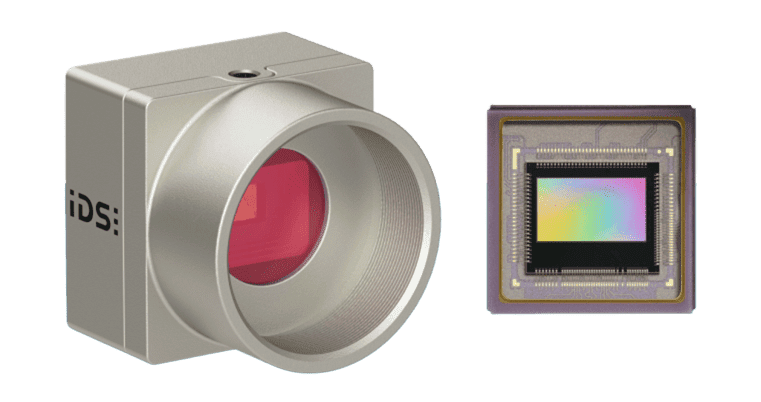
uEye CMOS Industrial Camera Series

Ensenso 3D Industrial Camera / 3D Stereo Camera

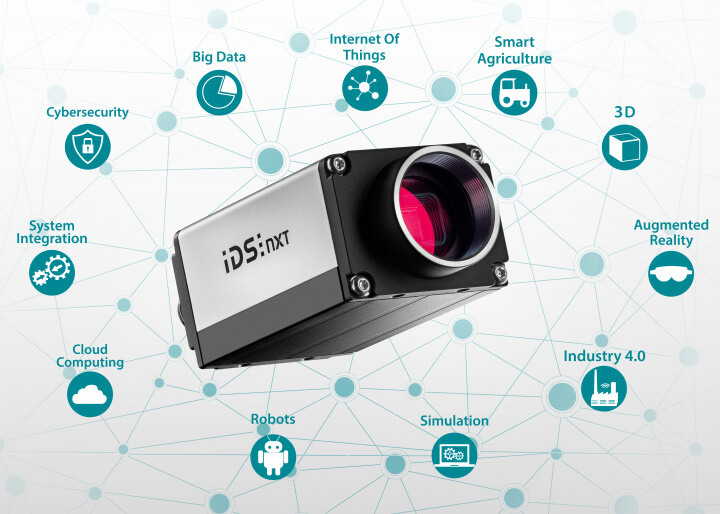
NXT Series All-in-One Inference Camera / Deep Learning Camera / AI Industrial Camera

uEye XCP-E | XLS-E EVS Event Camera

IDS uEye SCP / uEye SLE Industrial Surveillance Camera

Application Scenarios

Focusing on the vision field, covering large-scale industries; based on application scenarios, solving sub-divided needs. We can also customize integrated solutions for your project, please contact us for more information.Contact Us

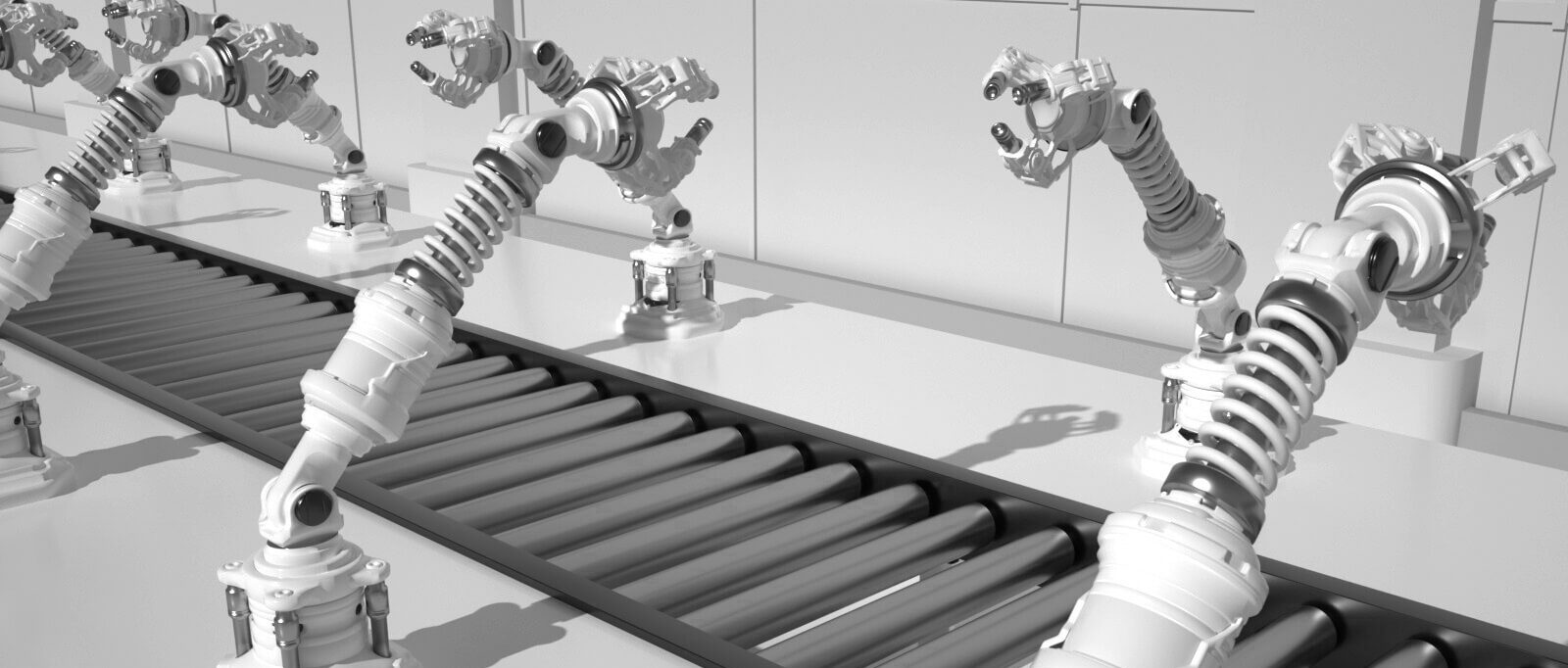
Industrial and Robotic Automation

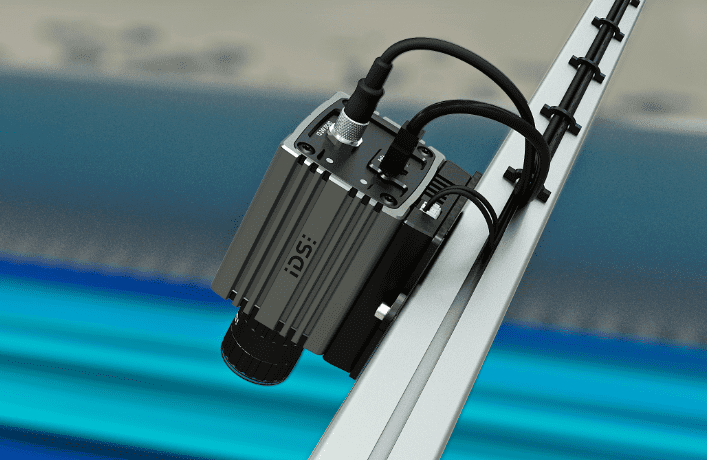
The uEye+ camera can be used for product detection, material handling, robot visual navigation and other tasks, and can work together with the Ensenso 3D camera to help intellectualize and automate industrial production. For example, Isotronic GmbH uses the uEye CP camera series of IDS industrial cameras as an image processing component for dimensional and surface inspection, and has developed an automated inspection system for tubular glass, which is widely used in vaccine vial inspection.

Transportation and Smart Cities

The uEye+ industrial camera can be used for vehicle and pedestrian identification, traffic monitoring, intelligent parking systems, foreign object and material level detection in waste disposal, and other applications such as c-detect computer vision systems combine Systems' intelligent software with the powerful IDS uEye+ FA industrial camera to inspect the contents of an organic waste bin using "TopView TopView" or "InsideView" to inspect the contents of organic bins.

Machine Vision Project

The uEye+ camera can be used for applications such as image recognition, image analysis, and target tracking, with intelligent sensors and new ways of thinking about how to provide assistance to robots and machine vision devices, such as detecting obstacles in motion and gripping paths, automatically recognizing spares during maintenance, and automatically un-palletizing tasks.

Medicine and Life Sciences

The uEye+ camera meets the highest quality requirements for laboratory and diagnostic use and offers durability, customized solutions, and excellent image quality even in low-light environments. For example, it is used to check endoscopic cleanliness, analyze postural imbalance, and check vaccine filling quality.

Environment and Smart Agriculture

Being able to control processes more easily and design them more efficiently is important for the agriculture and food industries. uEye+ cameras support applications ranging from optimal application of fertilizers, visual monitoring of crops and growth stages, to food processing. For example, the Federal Polytechnic Institute of Zurich has initiated the Rowesys project, which utilizes the uEye+ FA series cameras to assist intelligent robots in automatic weed control, avoiding the use of herbicides.

Sustainability

Automation is growing steadily in both the industrial and non-industrial sectors. The uEye+ industrial camera has become an integral part of many automation solutions, opening up new avenues for increased sustainability. For example, in the field of quality assurance or inspection, it can reduce rejections, avoid complaints, returns or repairs, reduce energy consumption in manufacturing, identify and optimize bottlenecks or inefficient processes; in agriculture and food industry, it can be used to cut and observe the growth stage of plants, and develop quality control in food processing.

Frequently Asked Questions

Technical support and paid services to drive your project to the limit.

Provide specific application requirements, including but not limited to:
1. What is the object to be detected and what is its size range? What is the size range of the detected object, or the field of view requirement?
2. Motion detection or static detection? Frame rate requirement?
3. What is the required working distance?
4. Precision requirements?
5. Other requirements such as IR/AF/IP67/bare board/interface?

  • Ensure that the camera driver is properly installed.
  • Try connecting the camera to a different USB port.
  • Ensure that the computer's USB interface and drivers support the connected camera model.
  • Try connecting the camera to a different USB port.
  • Ensure that the computer's USB interface and drivers support the connected camera model.
  • If the problem persists, please contact Yostek's technical support team for assistance.

1. Use uEye Cockpit to connect to the camera.
2. Click on the fifth icon from left to right to open the camera attribute.
3. Adjust the corresponding parameter values as needed and then save the settings.

1. Use uEye Cockpit to connect to the camera.
2.Setting Image Acquisition Parameters
3. Click File->Save Image to save the image.

Professional technical support from HONGKEI to help you succeed in your project.

HongKe provides professional IDS industrial cameras and 3D imaging solutions, including uEye CMOS, NXT AI smart cameras, Ensenso 3D series and event cameras. The cameras are equipped with high sensitivity, low latency, and accurate image processing capabilities, and support various interfaces such as GigE and USB3.0, which can satisfy a wide range of applications such as machine vision, intelligent manufacturing, medical imaging, and automated inspection. With flexible development interface and strong software support, IDS cameras help enterprises build efficient and stable image recognition and AI vision systems, and become the key eyes of the new generation of intelligent industries.


Contact Hongke to help you solve your problems.

Let's have a chat